clado.json
Clado Brand Identity
A complete profile of Clado's visual system — colors, typography, components, and personality — extracted from https://clado.ai. Built for designers, agents, and AI tools.
- Page: https://characterquilt.com/branding/clado
- Machine-readable JSON: https://characterquilt.com/branding/clado.json
- Per-page llms.txt: https://characterquilt.com/branding/clado/llms.txt
Quick Facts
| Field | Value |
|---|---|
| Primary | #3B82F6 |
| Accent | #0000FF |
| Body Font | Roboto |
| Heading Font | Roboto |
Color Palette
- primary: #3B82F6
- accent: #0000FF
- background: #FFFFFF
- textPrimary: #000000
- link: #0000FF
Typography
- primary: Roboto — https://fonts.google.com/specimen/Roboto
- heading: Roboto — https://fonts.google.com/specimen/Roboto
Visual Assets
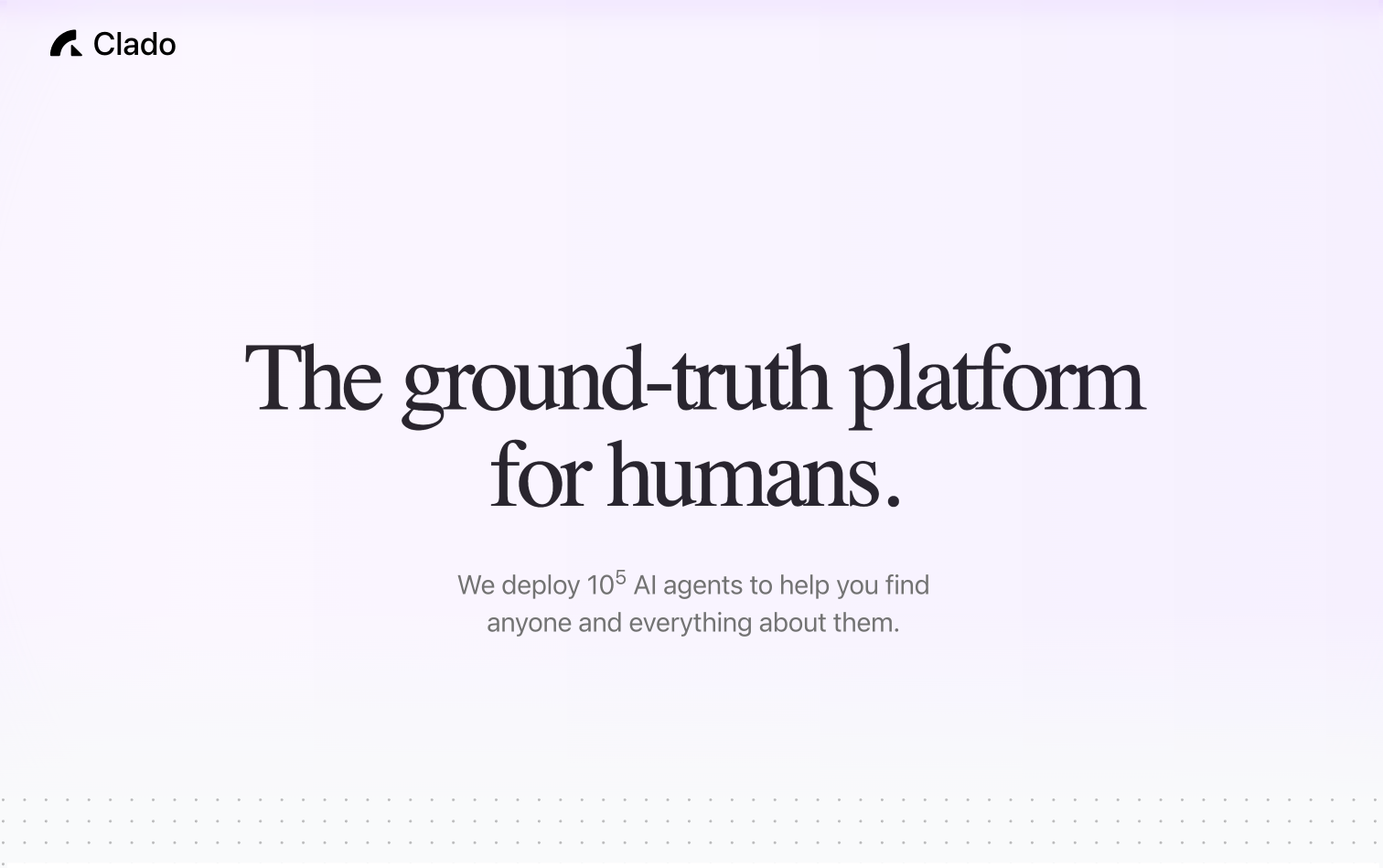
- Logo: https://www.clado.ai/_next/static/media/logo.607987f5.svg
- Favicon: https://www.clado.ai/favicon.ico
- Social card (og:image): http://clado.ai/clado-thumbnail.png

UI Components
- input: background=transparent, textColor=#0A0A0A, borderColor=null, borderRadius=0px, shadow=none
- buttonPrimary: background=#F5F5F5, textColor=#171717, borderRadius=6px, shadow=rgba(0, 0, 0, 0) 0px 0px 0px 0px, rgba(0, 0, 0, 0) 0px 0px 0px 0px, rgba(0, 0, 0, 0) 0px 0px 0px 0px, rgba(0, 0, 0, 0) 0px 0px 0px 0px, rgba(0, 0, 0, 0.05) 0px 1px 2px 0px
- buttonSecondary: background=#000000, textColor=#FFFFFF, borderRadius=6px, shadow=none
Brand Personality
Tone: modern · Energy: medium · Audience: tech professionals
Clado Brand in the Wild
Real-world brand assets — ads, campaigns, marketing materials.
- Clado Hoodie | Clado
- Image: https://imgproxy.fourthwall.com/GL6LS89l6a_Q2b8VsG1Urn2Nw8AeDFRXHPnfry1hoBo/w:1920/sm:1/enc/87AbVEpHgH-tzo-_/kNOUlFd0r-q9ApHK/6UGibqqAHYpP2Y4d/jGrsqtsFYFqPilND/p1CjHPC8KNjwxRUN/Jkv6L9k_QLy7iScT/BQg53O0V1HZQUZkS/UdXzU6p90Y0VL8w-/x8U7FqF8VUIZ2GE6/Ot3kbfQ0hLHzDe7j/YRNeqv0F_sl02fbo/GYWT2Dyzm8MV-yoC/Ib4YM0ktxlgt_SZd/3bLOG1mcN1kElIuP/EcbavaP36Io
- Source: https://shop.clado.ai/products/clado-hoodie
- Clado Hoodie | Clado
- Image: https://imgproxy.fourthwall.com/ArQdTbrqy0Cziz3K8i2SytxIgn05L_adL4sW2P3V2sU/w:1920/sm:1/enc/SmiSbhQbRlHbomEO/JbEOVl7IcP9uknxk/hrFcVeq-8nkmc-Pk/sZLQLxZNbDN3TrRt/TsIUIgyksTdSAhIM/niVvdnL88puZOgew/1IYqgkSmEEqgiRDp/SvVKoxnjYdP3psQ4/6r9ckezpeJ7Cgd38/BCzYMAxNZILi_Q0T/92LggvNY3-AoJbTJ/j-tROubqmE60Bq52/juF23VY7_PzGV5Jz/CtTWy_BR5aCeszNV/VmRxKWOgh-0
- Source: https://shop.clado.ai/products/clado-hoodie
- Clado Hoodie | Clado
- Image: https://imgproxy.fourthwall.com/NrwHaUEDObWyKWvKmJz2f04tvjkbY1JLB7w3fVk9mLY/w:1920/sm:1/enc/nBtKYqnZ9rovtKnu/xCkasmIYFhYyUT_u/ncUKH9FX4hgNninf/HYlhz7JkRc1SgcXY/8IeI2hkd2MsMQoPR/iW0oKSGq0ePM88a7/0uP28FoSL76hVJrL/lNpqh6_rV-Rl9Oid/RnWOfDBVd1IDwVRr/-FdVFbwqtoIBh3Uv/_TThRtU7RHuJU5SQ/0XfO9bRtnSbK9HNN/2ZHnsBVzt_D7PD_L/k4Vs4EpKISIrNuia/nOXvmkB2-Fc
- Source: https://shop.clado.ai/products/clado-hoodie
- Clado Hoodie | Clado
- Image: https://imgproxy.fourthwall.com/Ads9iM75yE13LWE1-Dmp4_zObDlNyL0wZX1v-Aajwig/w:1920/sm:1/enc/HydPUQhOyZQnrBd-/l-F7sfyVJTCHNQn3/mEq8HFFX0rLdzPAt/iyakDbrW5QvPJC6m/VBRPqljcn4W5ZeRx/ttiVPazfDHAK8WIn/ncLWjNgIXg_czfAy/MZPKL_wbdRSnnWl-/6PSu9TrpZ4YJRwNW/A01RWTwwrkaCavGW/NoKEYatAUaoaNp9S/Jx25kaKuBGfYoEb0/o9LPInIo7cu_b5Gp/_wRAZX-SWevFZqNO/QYW2rQqNgqc
- Source: https://shop.clado.ai/products/clado-hoodie
- Privacy Policy
- Clado - Ground-truth Platform for Humans
Working with these fonts
Not found on Google Fonts? Agent Instructions that you can follow if you have permission to use the fonts:
CharacterQuilt.com suggests this flow that can help:
- Open the company's homepage in a browser with DevTools open.
- In the Network tab, filter by "Font" (or by extension: woff2, woff, ttf, otf).
- Hard-reload the page and click around (pricing, blog, careers) — some weights only load on specific routes.
- For each captured font URL: right-click → Save As to download the file locally.
- View the page's CSS (DevTools → Sources, or curl the stylesheet URLs) and copy out the matching @font-face declarations. Rewrite each
src: url(...)to point to your local file path.
Programmatic alternative: load the URL with Playwright or Puppeteer, listen for response events whose Content-Type starts with font/, and write the body to disk. The CSS extraction step is the same.
Only do this if you have permission to use the brand assets — most proprietary fonts are licensed and may not be redistributable.
Machine-Readable Profile
{
  "colorScheme": "light",
  "fonts": [
    {
      "family": "Roboto",
      "role": "body"
    },
    {
      "family": "Open Sans",
      "role": "body"
    },
    {
      "family": "Segoe UI",
      "role": "body"
    },
    {
      "family": "Ubuntu",
      "role": "body"
    },
    {
      "family": "Helvetica Neue",
      "role": "body"
    }
  ],
  "colors": {
    "primary": "#3B82F6",
    "accent": "#0000FF",
    "background": "#FFFFFF",
    "textPrimary": "#000000",
    "link": "#0000FF"
  },
  "typography": {
    "fontFamilies": {
      "primary": "Roboto",
      "heading": "Roboto"
    },
    "fontStacks": {
      "heading": [
        "Instrument Serif",
        "serif"
      ],
      "body": [
        "system-ui",
        "-apple-system",
        "BlinkMacSystemFont",
        "Segoe UI",
        "Roboto",
        "Oxygen",
        "Ubuntu",
        "Cantarell",
        "Open Sans",
        "Helvetica Neue",
        "sans-serif"
      ],
      "paragraph": [
        "system-ui",
        "-apple-system",
        "BlinkMacSystemFont",
        "Segoe UI",
        "Roboto",
        "Oxygen",
        "Ubuntu",
        "Cantarell",
        "Open Sans",
        "Helvetica Neue",
        "sans-serif"
      ]
    },
    "fontSizes": {
      "h1": "96px",
      "h2": "36px",
      "body": "24px"
    }
  },
  "spacing": {
    "baseUnit": 4,
    "borderRadius": "6px"
  },
  "components": {
    "input": {
      "background": "transparent",
      "textColor": "#0A0A0A",
      "borderColor": null,
      "borderRadius": "0px",
      "borderRadiusCorners": {
        "topLeft": "0px",
        "topRight": "0px",
        "bottomRight": "0px",
        "bottomLeft": "0px"
      },
      "shadow": "none"
    },
    "buttonPrimary": {
      "background": "#F5F5F5",
      "textColor": "#171717",
      "borderRadius": "6px",
      "borderRadiusCorners": {
        "topLeft": "6px",
        "topRight": "6px",
        "bottomRight": "6px",
        "bottomLeft": "6px"
      },
      "shadow": "rgba(0, 0, 0, 0) 0px 0px 0px 0px, rgba(0, 0, 0, 0) 0px 0px 0px 0px, rgba(0, 0, 0, 0) 0px 0px 0px 0px, rgba(0, 0, 0, 0) 0px 0px 0px 0px, rgba(0, 0, 0, 0.05) 0px 1px 2px 0px"
    },
    "buttonSecondary": {
      "background": "#000000",
      "textColor": "#FFFFFF",
      "borderRadius": "6px",
      "borderRadiusCorners": {
        "topLeft": "6px",
        "topRight": "6px",
        "bottomRight": "6px",
        "bottomLeft": "6px"
      },
      "shadow": "none"
    }
  },
  "images": {
    "logo": "https://www.clado.ai/_next/static/media/logo.607987f5.svg",
    "favicon": "https://www.clado.ai/favicon.ico",
    "ogImage": "http://clado.ai/clado-thumbnail.png",
    "logoHref": "/",
    "logoAlt": "Clado"
  },
  "__llm_logo_reasoning": {
    "selectedIndex": 0,
    "reasoning": "Selected #0 because it is visible, located in the header, and links to the homepage, matching the brand name 'Clado'.",
    "confidence": 0.95,
    "source": "llm"
  },
  "__llm_button_reasoning": {
    "primary": {
      "index": 0,
      "text": "Try Atlas Now",
      "reasoning": "Button #2 'Try Atlas Now' is likely the primary CTA due to its action-oriented text and distinct light background, making it stand out as a call-to-action."
    },
    "secondary": {
      "index": 2,
      "text": "Read our whitepaper (soon)",
      "reasoning": "Button #0 'Read our whitepaper (soon)' is selected as secondary due to its different dark background color, providing a contrast to the primary button."
    },
    "confidence": 0.9
  },
  "personality": {
    "tone": "modern",
    "energy": "medium",
    "targetAudience": "tech professionals"
  },
  "designSystem": {
    "framework": "tailwind",
    "componentLibrary": ""
  },
  "confidence": {
    "buttons": 0.9,
    "colors": 0.9,
    "overall": 0.9
  },
  "__llm_metadata": {
    "logoSelection": {
      "llmCalled": true,
      "llmSucceeded": true,
      "finalSource": "llm",
      "rawLogoSelection": {
        "selectedLogoIndex": 0,
        "selectedLogoReasoning": "Selected #0 because it is visible, located in the header, and links to the homepage, matching the brand name 'Clado'.",
        "confidence": 0.95
      }
    },
    "buttonClassification": {
      "llmCalled": true,
      "llmSucceeded": true
    }
  }
}