SurveyMonkey Brand: Colors, Fonts, Logo & Visual Identity
SurveyMonkey Brand Identity
A complete profile of SurveyMonkey's visual system — colors, typography, components, and personality — extracted from https://surveymonkey.com. Built for designers, agents, and AI tools.
Color Palette
Brand palette extracted from https://surveymonkey.com.
| Hex | RGB | |
|---|---|---|
| Primary | #00BF6F | rgb(0, 191, 111) |
| Secondary | #2D3748 | rgb(45, 55, 72) |
| Accent | #00BF6F | rgb(0, 191, 111) |
| Background | #FFFFFF | rgb(255, 255, 255) |
| Text Primary | #224F3C | rgb(34, 79, 60) |
| Link | #224F3C | rgb(34, 79, 60) |
Typography
Each font links to its Google Fonts page where available.
| Font Family | Role | |
|---|---|---|
| Primary | Arial | Body |
| Heading | National 2 | Heading |
Visual Assets
%22%20fill%3D%22none%22%20fill-rule%3D%22evenodd%22%20stroke-width%3D%220%22%20style%3D%22fill%3A%20none%20!important%3B%20stroke-width%3A%200px%20!important%3B%22%2F%3E...)
Favicon:
Social Card:
UI Components
Live previews rendered using SurveyMonkey's actual button styles.
| Component | Background | Text Color | Border Color | Border Radius | Shadow |
|---|---|---|---|---|---|
| Button Primary | #00BF6F | #FFFFFF | #00BF6F | 4px | none |
| Button Secondary | #1E2124 | #1E2124 | - | 0px | none |
Brand Personality
Tone: professional Energy: medium Audience: business professionals and organizations
SurveyMonkey Brand in the Wild
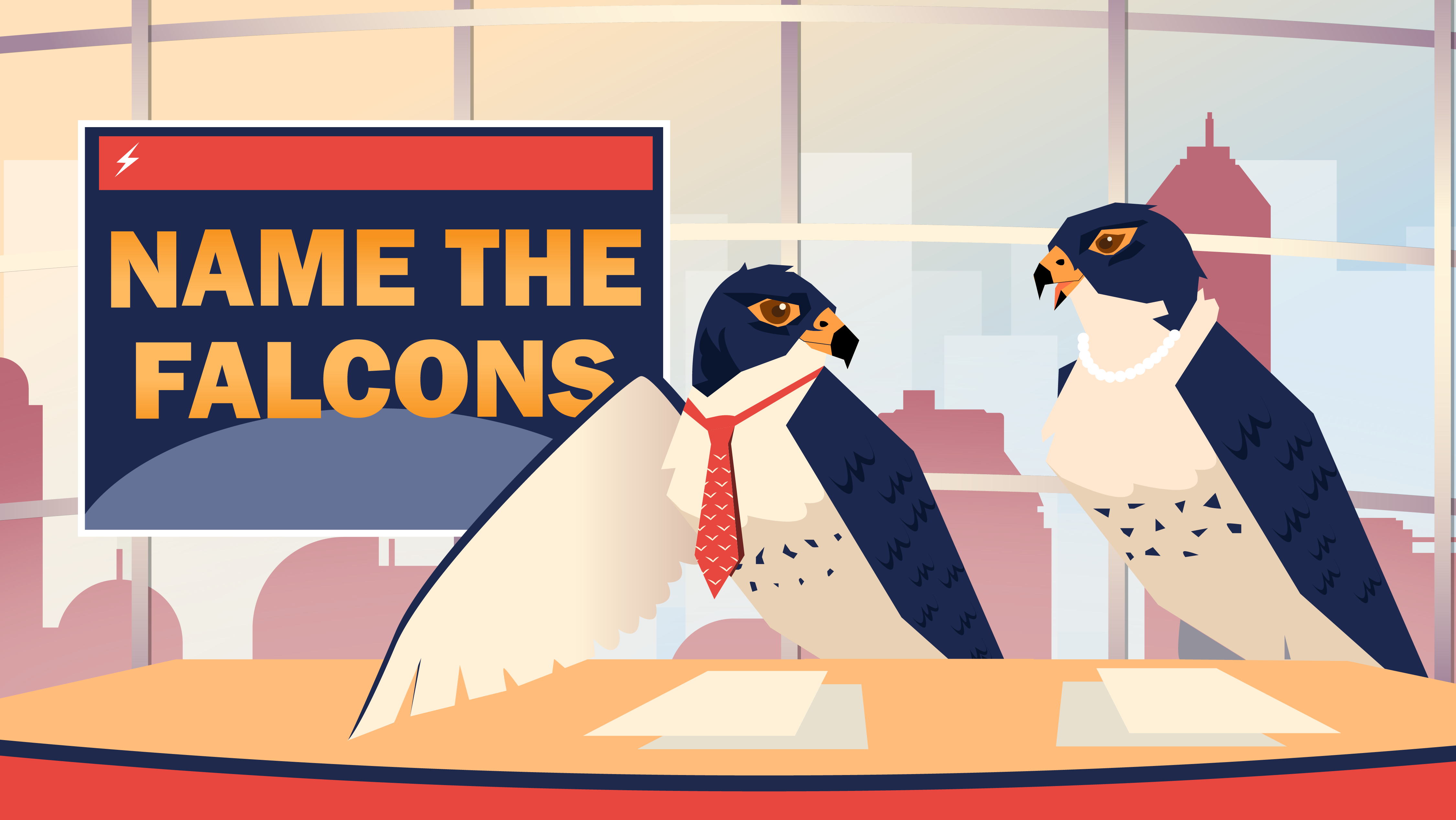
Source: surveymonkey-assets.s3.amazonaws.com
Frequently Asked Questions
- What is SurveyMonkey's primary brand color?
SurveyMonkey's primary brand color is #00BF6F. - What font does SurveyMonkey use?
SurveyMonkey uses Arial for body text and National 2 for headings. - Does SurveyMonkey use a light or dark theme?
SurveyMonkey's primary site uses a light color scheme, with a background of #FFFFFF. - Where can I find SurveyMonkey's logo?
SurveyMonkey's logo is available directly on their site. - How was this brand profile generated?
This profile was extracted using the Firecrawl branding extraction API.
Methodology
Brand data on this page was extracted from https://surveymonkey.com on 2026-07-27.