star.json
Star Brand Identity
A complete profile of Star's visual system — colors, typography, components, and personality — extracted from https://buildwithstar.com. Built for designers, agents, and AI tools.
- Page: https://characterquilt.com/branding/star
- Machine-readable JSON: https://characterquilt.com/branding/star.json
- Per-page llms.txt: https://characterquilt.com/branding/star/llms.txt
Quick Facts
| Field | Value |
|---|---|
| Primary | #4B5461 |
| Accent | #155DFC |
| Body Font | Arial |
| Heading Font | Arial |
Color Palette
- primary: #4B5461
- secondary: #BFD9FF
- accent: #155DFC
- background: #FFFFFF
- textPrimary: #1E2939
- link: #1E2939
Typography
- primary: Arial — https://fonts.google.com/specimen/Arial
- heading: Arial — https://fonts.google.com/specimen/Arial
Visual Assets
- Logo: data:image/svg+xml;utf8,%3Csvg%20xmlns%3D%22http%3A%2F%2Fwww.w3.org%2F2000%2Fsvg%22%20viewBox%3D%220%200%2024%2024%22%20class%3D%22w-6%20h-6%20text-current%20transition-transform%20duration-300%22%20fill%3D%22currentColor%22%20data-fc-idx%3D%220%22%3E%3Cpath%20d%3D%22M12%2C1L9%2C9L1%2C12L9%2C15L12%2C23L15%2C15L23%2C12L15%2C9L12%2C1Z%22%20style%3D%22fill%3A%20rgb(255%2C%20255%2C%20255)%20!important%3B%22%2F%3E%3C%2Fsvg%3E
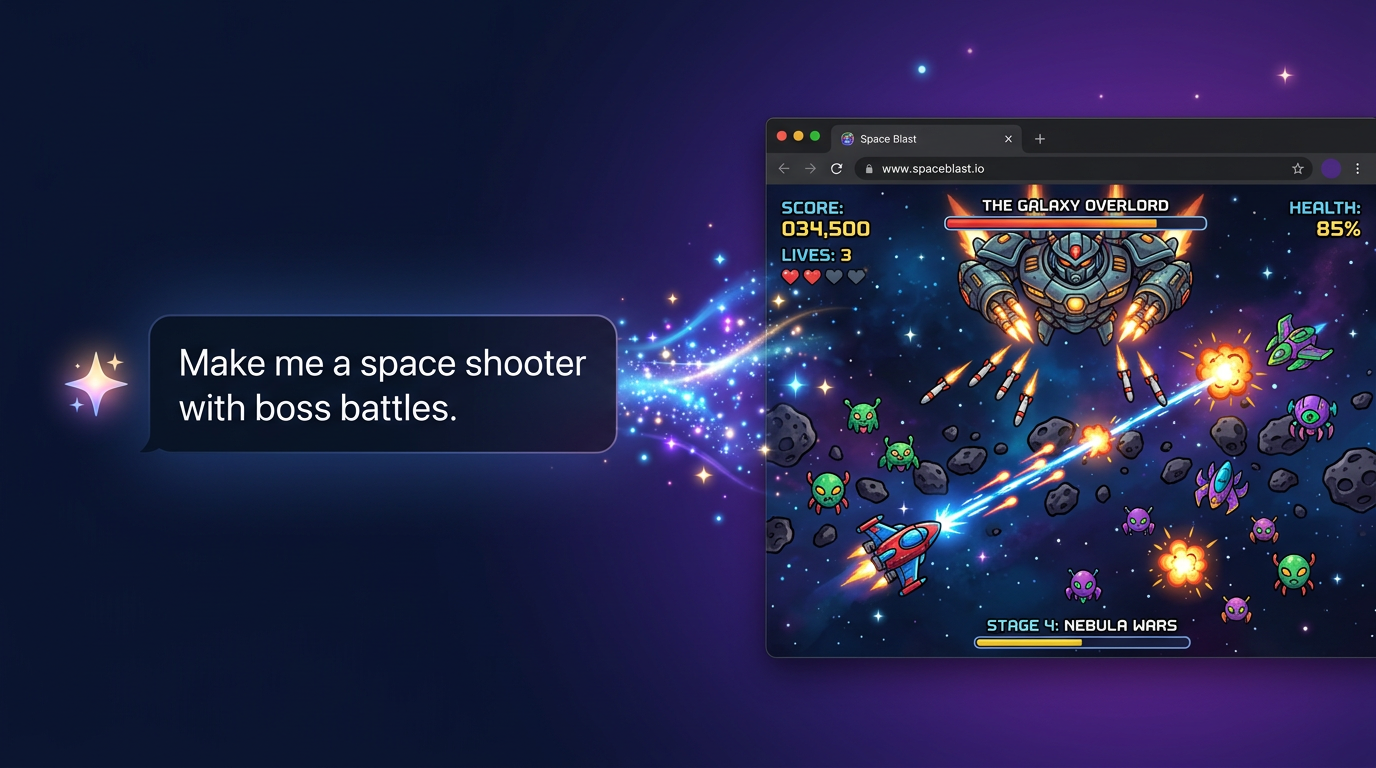
- Social card (og:image): https://buildwithstar.com/socialpreview.png
UI Components
- input: background=transparent, textColor=#FFFFFF, borderColor=null, borderRadius=0px, shadow=rgba(0, 0, 0, 0) 0px 0px 0px 0px, rgba(0, 0, 0, 0) 0px 0px 0px 0px, rgba(0, 0, 0, 0) 0px 0px 0px 0px, rgba(0, 0, 0, 0) 0px 0px 0px 0px, rgba(0, 0, 0, 0) 0px 0px 0px 0px
- buttonPrimary: background=#155DFC, textColor=#FFFFFF, borderRadius=10px, shadow=none
- buttonSecondary: background=#364153, textColor=#99A1AF, borderRadius=10px, shadow=rgba(0, 0, 0, 0) 0px 0px 0px 0px, rgba(0, 0, 0, 0) 0px 0px 0px 0px, rgba(0, 0, 0, 0) 0px 0px 0px 0px, rgba(0, 0, 0, 0) 0px 0px 0px 0px
Brand Personality
Tone: modern · Energy: high · Audience: gamers and developers
Star Brand in the Wild
Real-world brand assets — ads, campaigns, marketing materials.
- Claude vs ChatGPT for Making Games (2025 Comparison) - Star
- Blog - Star
- Claude vs ChatGPT for Making Games (2025 Comparison) - Star
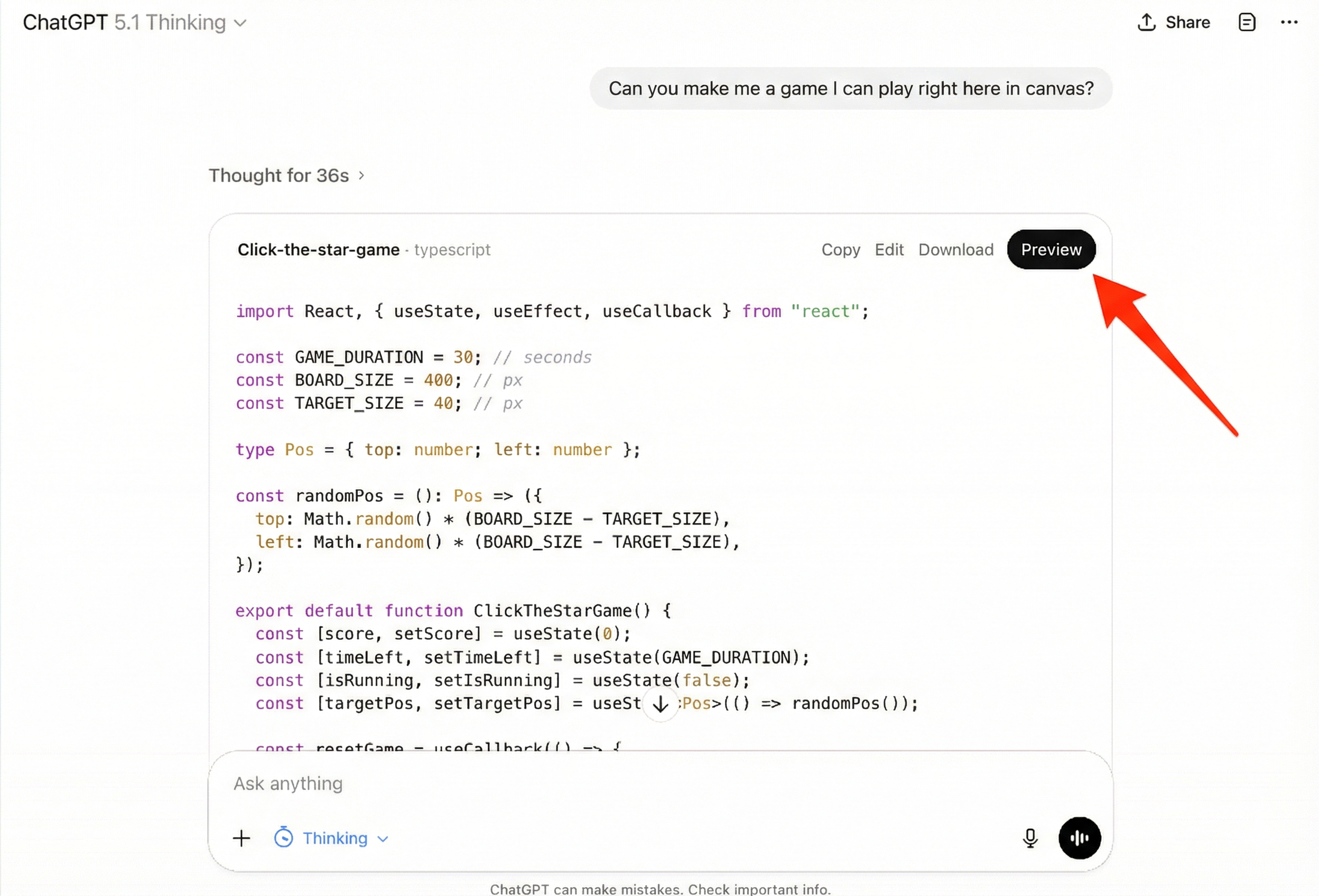
- Star for Indie Devs - Prototype, Publish, Monetize
- Image: https://buildwithstar.com/_next/image?url=https%3A%2F%2Fvtelpopqybfytrgzkomj.supabase.co%2Fstorage%2Fv1%2Fobject%2Fpublic%2Fscreenshots%2Fcustom%2F0dd53762-2fbe-40c6-a390-3718c0a8e182%2Fe608b895-b58b-4471-9024-c63fd2cfd799%2Fc1c2f946-0787-480e-8567-4ad5ce83f77b.png&w=3840&q=75
- Source: https://buildwithstar.com/for-indie-devs
- Star - Free AI Game Generator | Make Games in 30 Seconds
- Image: https://buildwithstar.com/_next/image?url=https%3A%2F%2Fvtelpopqybfytrgzkomj.supabase.co%2Fstorage%2Fv1%2Fobject%2Fpublic%2Fscreenshots%2Fcustom%2F0dd53762-2fbe-40c6-a390-3718c0a8e182%2Fa5cb0689-c7a3-49e0-a36f-813da7db631e%2Fac3455d7-fe1b-41d1-824c-f2278ed53089.png&w=3840&q=75
- Source: https://buildwithstar.com/ai-game-generator
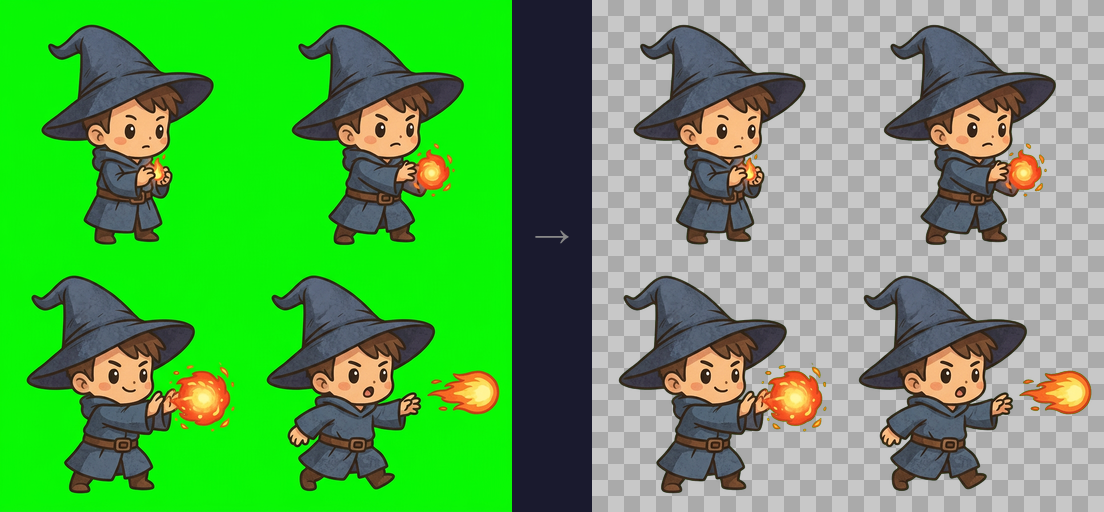
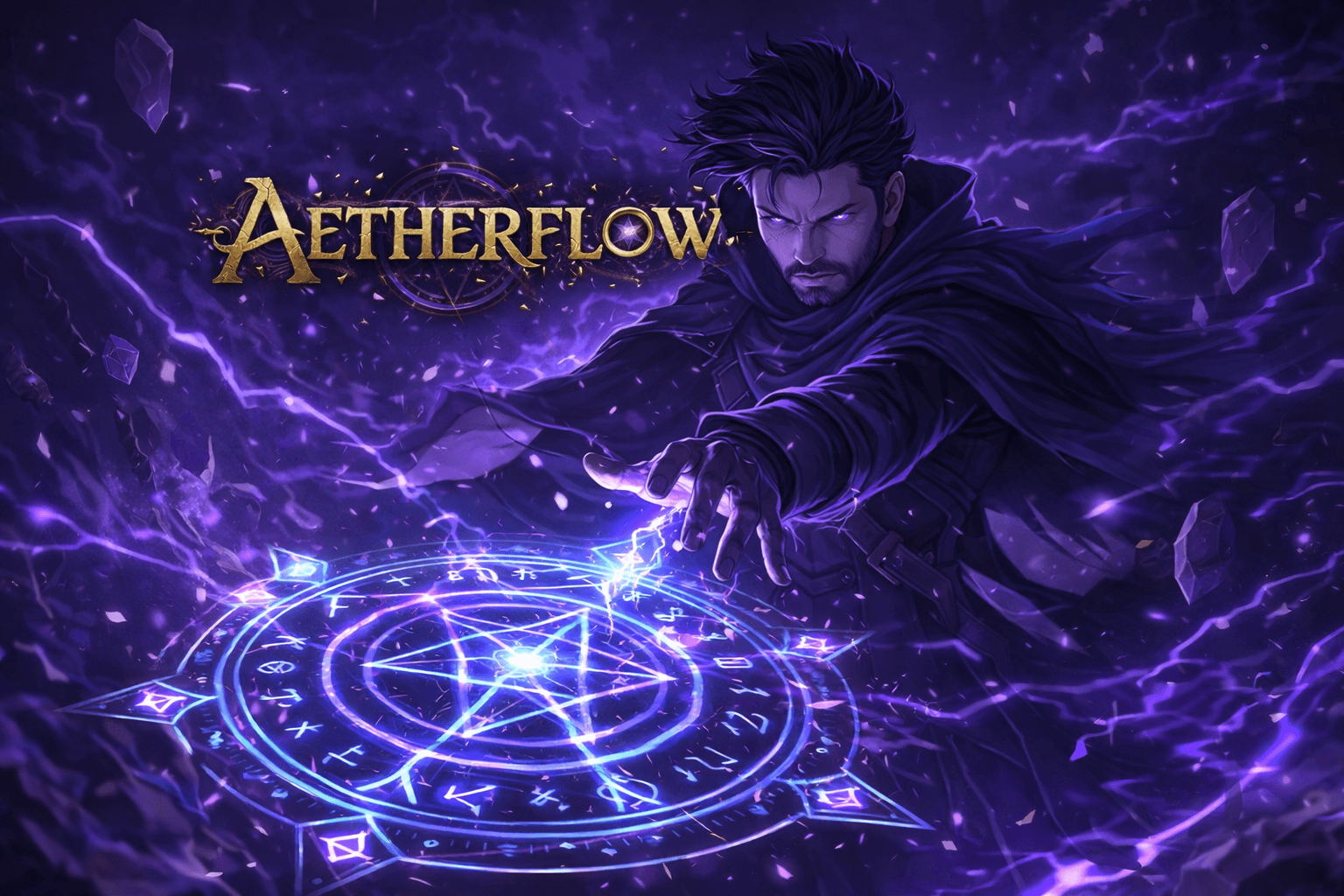
- Host Your Game - Star

Working with these fonts
Not found on Google Fonts? Instructions that you can follow if you have permission to use the fonts:
CharacterQuilt.com suggests this flow that can help:
- Open the company's homepage in a browser with DevTools open.
- In the Network tab, filter by "Font" (or by extension: woff2, woff, ttf, otf).
- Hard-reload the page and click around (pricing, blog, careers) — some weights only load on specific routes.
- For each captured font URL: right-click → Save As to download the file locally.
- View the page's CSS and copy out the matching @font-face declarations.
Machine-Readable Profile
{
  "colorScheme": "light",
  "fonts": [
    {
      "family": "Arial",
      "count": 83
    },
    {
      "family": "Helvetica",
      "count": 83
    },
    {
      "family": "sans-serif",
      "count": 83
    }
  ],
  "colors": {
    "primary": "#4B5461",
    "secondary": "#BFD9FF",
    "accent": "#155DFC",
    "background": "#FFFFFF",
    "textPrimary": "#1E2939",
    "link": "#1E2939"
  },
  "typography": {
    "fontFamilies": {
      "primary": "Arial",
      "heading": "Arial"
    },
    "fontStacks": {
      "body": [
        "Arial",
        "Helvetica",
        "sans-serif"
      ],
      "heading": [
        "Arial",
        "Helvetica",
        "sans-serif"
      ],
      "paragraph": [
        "Arial",
        "Helvetica",
        "sans-serif"
      ]
    },
    "fontSizes": {
      "h1": "72px",
      "h2": "30px",
      "body": "20px"
    }
  },
  "spacing": {
    "baseUnit": 8,
    "borderRadius": "0px"
  },
  "components": {
    "input": {
      "background": "transparent",
      "textColor": "#FFFFFF",
      "borderColor": null,
      "borderRadius": "0px",
      "borderRadiusCorners": {
        "topLeft": "0px",
        "topRight": "0px",
        "bottomRight": "0px",
        "bottomLeft": "0px"
      },
      "shadow": "rgba(0, 0, 0, 0) 0px 0px 0px 0px, rgba(0, 0, 0, 0) 0px 0px 0px 0px, rgba(0, 0, 0, 0) 0px 0px 0px 0px, rgba(0, 0, 0, 0) 0px 0px 0px 0px, rgba(0, 0, 0, 0) 0px 0px 0px 0px"
    },
    "buttonPrimary": {
      "background": "#155DFC",
      "textColor": "#FFFFFF",
      "borderRadius": "10px",
      "borderRadiusCorners": {
        "topLeft": "10px",
        "topRight": "10px",
        "bottomRight": "10px",
        "bottomLeft": "10px"
      },
      "shadow": "none"
    },
    "buttonSecondary": {
      "background": "#364153",
      "textColor": "#99A1AF",
      "borderRadius": "10px",
      "borderRadiusCorners": {
        "topLeft": "10px",
        "topRight": "10px",
        "bottomRight": "10px",
        "bottomLeft": "10px"
      },
      "shadow": "rgba(0, 0, 0, 0) 0px 0px 0px 0px, rgba(0, 0, 0, 0) 0px 0px 0px 0px, rgba(0, 0, 0, 0) 0px 0px 0px 0px, rgba(0, 0, 0, 0) 0px 0px 0px 0px, rgba(0, 0, 0, 0) 0px 0px 0px 0px"
    }
  },
  "images": {
    "logo": "data:image/svg+xml;utf8,%3Csvg%20xmlns%3D%22http%3A%2F%2Fwww.w3.org%2F2000%2Fsvg%22%20viewBox%3D%220%200%2024%2024%22%20class%3D%22w-6%20h-6%20text-current%20transition-transform%20duration-300%22%20fill%3D%22currentColor%22%20data-fc-idx%3D%220%22%3E%3Cpath%20d%3D%22M12%2C1L9%2C9L1%2C12L9%2C15L12%2C23L15%2C15L23%2C12L15%2C9L12%2C1Z%22%20style%3D%22fill%3A%20rgb(255%2C%20255%2C%20255)%20!important%3B%22%2F%3E%3C%2Fsvg%3E",
    "favicon": null,
    "ogImage": "https://buildwithstar.com/socialpreview.png",
    "logoHref": "/"
  },
  "__llm_logo_reasoning": {
    "selectedIndex": 0,
    "reasoning": "Selected #0 because it is visible, located in the header, and links to the homepage, which aligns with the brand 'Star'.",
    "confidence": 0.9,
    "source": "llm"
  },
  "__llm_button_reasoning": {
    "primary": {
      "index": 0,
      "text": "Browse All Games →",
      "reasoning": "Button #0 has a vibrant blue background (#155DFC) and action-oriented text ('Browse All Games →'), making it the primary CTA."
    },
    "secondary": {
      "index": 1,
      "text": "Create Game",
      "reasoning": "Button #1 has a neutral background (#364153) and less prominent text ('Create Game'), making it suitable as a secondary CTA."
    },
    "confidence": 0.95
  },
  "personality": {
    "tone": "modern",
    "energy": "high",
    "targetAudience": "gamers and developers"
  },
  "designSystem": {
    "framework": "tailwind",
    "componentLibrary": ""
  },
  "confidence": {
    "buttons": 0.95,
    "colors": 0.9,
    "overall": 0.925
  },
  "__llm_metadata": {
    "logoSelection": {
      "llmCalled": true,
      "llmSucceeded": true,
      "finalSource": "llm",
      "rawLogoSelection": {
        "selectedLogoIndex": 0,
        "selectedLogoReasoning": "Selected #0 because it is visible, located in the header, and links to the homepage, which aligns with the brand 'Star'.",
        "confidence": 0.9
      }
    },
    "buttonClassification": {
      "llmCalled": true,
      "llmSucceeded": true
    }
  }
}