llms.txt
Pliant Brand Identity
A complete profile of Pliant's visual system — colors, typography, components, and personality.
Quick Facts
| Field | Value |
|---|---|
| Primary | #E6FF52 |
| Accent | #111111 |
| Body Font | Pangea |
| Heading Font | MaisonNeue |
Color Palette
- primary: #E6FF52
- secondary: #F3FFA9
- accent: #111111
- background: #F5F5F0
- textPrimary: #1C1F0A
- link: #1C1F0A
Typography
- primary: Pangea — https://fonts.google.com/specimen/Pangea
- heading: MaisonNeue — https://fonts.google.com/specimen/MaisonNeue
Visual Assets
- Logo: data:image/svg+xml;utf8,%3Csvg%20xmlns%3D%22http%3A%2F%2Fwww.w3.org%2F2000%2Fsvg%22%20fill%3D%22currentColor%22%20viewBox%3D%220%200%2085%2032%22%20data-fc-idx%3D%220%22%3E%3Cpath%20d%3D%22M18.583%2016.785c0%205.523-3.501%209.62-8.256%209.62a6.5%206.5%200%200%201-4.113-1.328.991.991%200%200%200-1.605.774V32H0V7.625h2.924l.141.22a2.26%202.26%200%200%200%201.506.991%202.27%202.27%200%200%200%201.754-.422%206.63%206.63%200%200%201%204.002-1.216c4.755%200%208.256%204.098%208.256%209.587m-4.716.036c0-3.53-1.932-5.525-4.647-5.525s-4.68%201.995-4.68%205.525%201.916%205.496%204.68%205.496%204.647-1.969%204.647-5.484zM25.474%201.032v24.946h-4.897V1.032h4.896ZM27.34%202.78c0-1.712%201.323-2.78%202.968-2.78%201.643%200%202.967%201.068%202.967%202.78%200%201.71-1.323%202.743-2.967%202.743s-2.968-.997-2.968-2.744Zm5.254%204.845v18.353h-4.611V7.625zm17.275%200h3.14v18.353h-3.14a2.225%202.225%200%200%200-2.376-1.113%202.2%202.2%200%200%200-.855.36%206.64%206.64%200%200%201-3.954%201.18c-4.72%200-8.257-4.097-8.257-9.62s3.538-9.587%208.257-9.587a6.53%206.53%200%200%201%203.923%201.195%202.234%202.234%200%200%200%203.262-.768m-1.395%209.16c0-3.53-1.896-5.496-4.647-5.496s-4.683%201.96-4.683%205.496%201.931%205.523%204.683%205.523%204.644-1.996%204.644-5.523zM71.5%2014.147v11.831h-4.615V14.921c0-2.39-1.36-3.742-3.217-3.742-2.18%200-3.753%201.462-3.753%203.993v10.796H55.31V7.616h2.8l.167.22a2.22%202.22%200%200%200%201.463.872%202.23%202.23%200%200%200%201.653-.418%205.82%205.82%200%200%201%203.575-1.092c3.744%200%206.533%202.745%206.533%206.949Zm12.944-2.851h-4.11v8.089c0%201.747.72%202.629%202.157%202.629h1.965v3.954h-3.163a5.57%205.57%200%200%201-3.93-1.623%205.53%205.53%200%200%201-1.628-3.918v-9.131H72.38v-3.67h1.692a1.68%201.68%200%200%200%201.186-.49%201.67%201.67%200%200%200%20.492-1.183V2.75h4.61v4.863h4.11z%22%20style%3D%22fill%3A%20lab(0%200%200%20%2F%200.8775)%20!important%3B%22%2F%3E%3C%2Fsvg%3E
- Favicon: https://www.getpliant.com/favicon.ico?favicon.08~4m3-rsi.ql.ico
- Social card (og:image): https://a.storyblok.com/f/169635/1200x630/92b10eaf7c/pliant-og-image.png

UI Components
- buttonPrimary: background=#111111, textColor=#FFFFFF, borderRadius=8px, shadow=none
- buttonSecondary: background=transparent, textColor=#1C1F0A, borderColor=#C4DA46, borderRadius=8px, shadow=none
Brand Personality
Tone: modern · Energy: medium · Audience: business professionals
Pliant Brand in the Wild
Real-world brand assets — ads, campaigns, marketing materials.
- Overcoming payment and receipt management hurdles for SaaS companies
- Debunking common myths about embedded finance (EF)
- Simplifying cost center payments for SaaS companies with VCC
- Benefits of CaaS (Cards-as-a-Service): Why companies should launch their own card offering



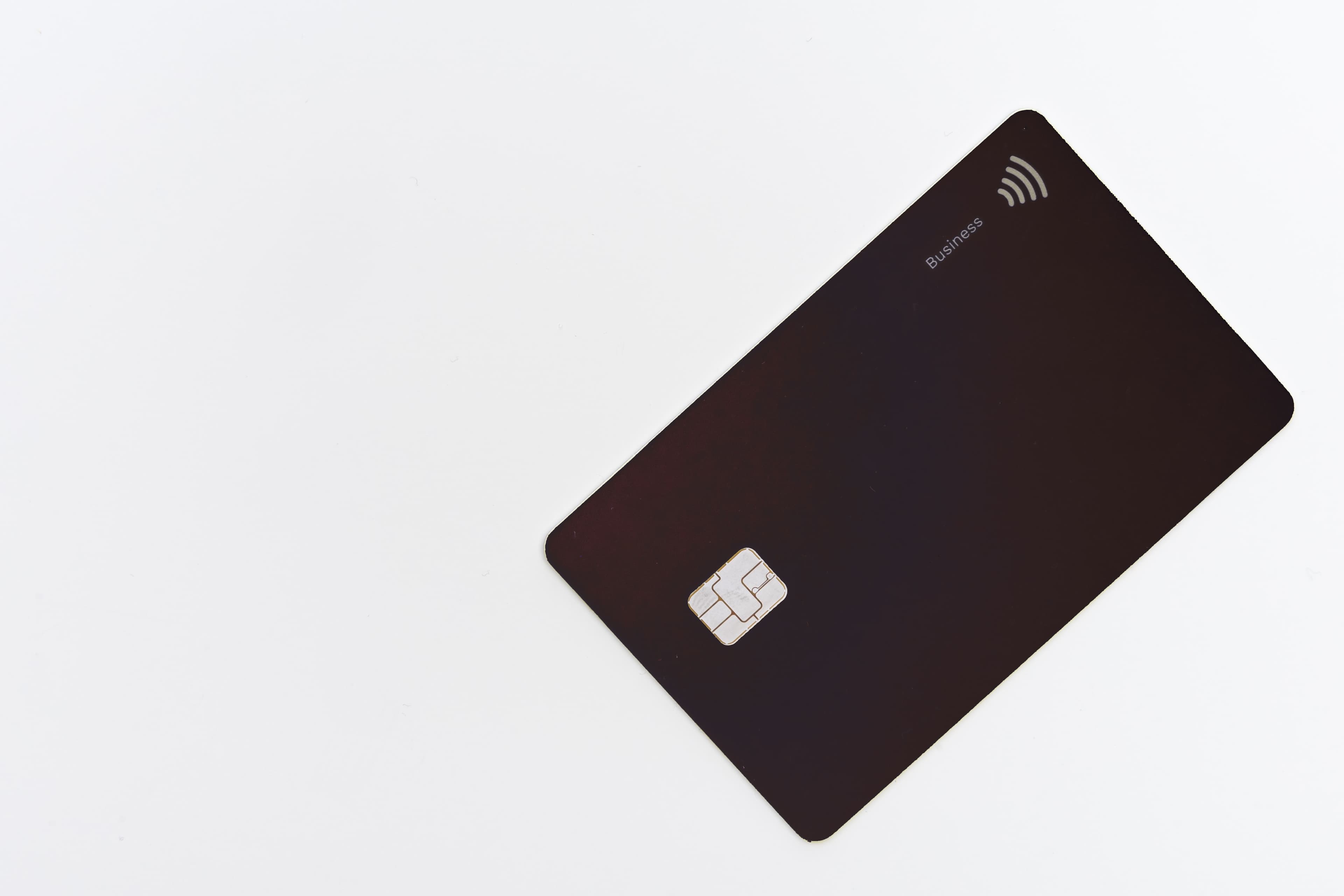
Working with these fonts
Not found on Google Fonts? Agent Instructions that you can follow if you have permission to use the fonts:
- Open the company's homepage in a browser with DevTools open.
- In the Network tab, filter by "Font" (or by extension: woff2, woff, ttf, otf).
- Hard-reload the page and click around (pricing, blog, careers) — some weights only load on specific routes.
- For each captured font URL: right-click → Save As to download the file locally.
- View the page's CSS (DevTools → Sources, or curl the stylesheet URLs) and copy out the matching @font-face declarations. Rewrite each
src: url(...)to point to your local file path.
Machine-Readable Profile
{
 "colorScheme": "light",
 "fonts": [
 {
 "family": "Pangea",
 "role": "body"
 },
 {
 "family": "MaisonNeue",
 "role": "heading"
 }
 ],
 "colors": {
 "primary": "#E6FF52",
 "secondary": "#F3FFA9",
 "accent": "#111111",
 "background": "#F5F5F0",
 "textPrimary": "#1C1F0A",
 "link": "#1C1F0A"
 },
 "typography": {
 "fontFamilies": {
 "primary": "Pangea",
 "heading": "MaisonNeue"
 },
 "fontStacks": {
 "heading": [
 "Pangea",
 "ui-sans-serif",
 "system-ui",
 "sans-serif"
 ],
 "body": [
 "MaisonNeue",
 "ui-sans-serif",
 "system-ui",
 "sans-serif"
 ],
 "paragraph": [
 "MaisonNeue",
 "ui-sans-serif",
 "system-ui",
 "sans-serif"
 ]
 },
 "fontSizes": {
 "h1": "56px",
 "h2": "16px",
 "body": "14px"
 }
 },
 "spacing": {
 "baseUnit": 12,
 "borderRadius": "0px"
 },
 "components": {
 "buttonPrimary": {
 "background": "#111111",
 "textColor": "#FFFFFF",
 "borderRadius": "8px",
 "borderRadiusCorners": {
 "topLeft": "8px",
 "topRight": "8px",
 "bottomRight": "8px",
 "bottomLeft": "8px"
 },
 "shadow": "none"
 },
 "buttonSecondary": {
 "background": "transparent",
 "textColor": "#1C1F0A",
 "borderColor": "#C4DA46",
 "borderRadius": "8px",
 "borderRadiusCorners": {
 "topLeft": "8px",
 "topRight": "8px",
 "bottomRight": "8px",
 "bottomLeft": "8px"
 },
 "shadow": "none"
 }
 },
 "images": {
 "logo": "data:image/svg+xml;utf8,%3Csvg%20xmlns%3D%22http%3A%2F%2Fwww.w3.org%2F2000%2Fsvg%22%20fill%3D%22currentColor%22%20viewBox%3D%220%200%2085%2032%22%20data-fc-idx%3D%220%22%3E%3Cpath%20d%3D%22M18.583%2016.785c0%205.523-3.501%209.62-8.256%209.62a6.5%206.5%200%200%201-4.113-1.328.991.991%200%200%200-1.605.774V32H0V7.625h2.924l.141.22a2.26%202.26%200%200%200%201.506.991%202.27%202.27%200%200%200%201.754-.422%206.63%206.63%200%200%201%204.002-1.216c4.755%200%208.256%204.098%208.256%209.587m-4.716.036c0-3.53-1.932-5.525-4.647-5.525s-4.68%201.995-4.68%205.525%201.916%205.496%204.68%205.496%204.647-1.969%204.647-5.484zM25.474%201.032v24.946h-4.897V1.032h4.896ZM27.34%202.78c0-1.712%201.323-2.78%202.968-2.78%201.643%200%202.967%201.068%202.967%202.78%200%201.71-1.323%202.743-2.967%202.743s-2.968-.997-2.968-2.744Zm5.254%204.845v18.353h-4.611V7.625zm17.275%200h3.14v18.353h-3.14a2.225%202.225%200%200%200-2.376-1.113%202.2%202.2%200%200%200-.855.36%206.64%206.64%200%200%201-3.954%201.18c-4.72%200-8.257-4.097-8.257-9.62s3.538-9.587%208.257-9.587a6.53%206.53%200%200%201%203.923%201.195%202.234%202.234%200%200%200%203.262-.768m-1.395%209.16c0-3.53-1.896-5.496-4.647-5.496s-4.683%201.96-4.683%205.496%201.931%205.523%204.683%205.523%204.644-1.996%204.644-5.523zM71.5%2014.147v11.831h-4.615V14.921c0-2.39-1.36-3.742-3.217-3.742-2.18%200-3.753%201.462-3.753%203.993v10.796H55.31V7.616h2.8l.167.22a2.22%202.22%200%200%200%201.463.872%202.23%202.23%200%200%200%201.653-.418%205.82%205.82%200%200%201%203.575-1.092c3.744%200%206.533%202.745%206.533%206.949Zm12.944-2.851h-4.11v8.089c0%201.747.72%202.629%202.157%202.629h1.965v3.954h-3.163a5.57%205.57%200%200%201-3.93-1.623%205.53%205.53%200%200%201-1.628-3.918v-9.131H72.38v-3.67h1.692a1.68%201.68%200%200%200%201.186-.49%201.67%201.67%200%200%200%20.492-1.183V2.75h4.61v4.863h4.11z%22%20style%3D%22fill%3A%20lab(0%200%200%20%2F%200.8775)%20!important%3B%22%2F%3E%3C%2Fsvg%3E",
 "favicon": "https://www.getpliant.com/favicon.ico?favicon.08~4m3-rsi.ql.ico",
 "ogImage": "https://a.storyblok.com/f/169635/1200x630/92b10eaf7c/pliant-og-image.png",
 "logoHref": "/en"
},
 "__llm_logo_reasoning": {
 "selectedIndex": 0,
 "reasoning": "Selected #0 because it is visible, located in the header, and matches the brand name 'Pliant' inferred from the page title and URL.",
 "confidence": 0.85,
 "source": "llm"
},
 "__llm_button_reasoning": {
 "primary": {
 "index": 0,
 "text": "Watch product tour",
 "reasoning": "Button #0 has a dark background (#111111) with contrasting white text, making it stand out as a primary CTA. The text 'Watch product tour' suggests an action-oriented purpose, typical for a primary button."
 },
 "secondary": {
 "index": 8,
 "text": "Pricing plans",
 "reasoning": "Button #8 has a transparent background with a border, making it less prominent than the primary button. The text 'Pricing plans' indicates a secondary action, suitable for a secondary button."
 },
 "confidence": 0.9
},
 "personality": {
 "tone": "modern",
 "energy": "medium",
 "targetAudience": "business professionals"
},
 "designSystem": {
 "framework": "tailwind",
 "componentLibrary": ""
},
 "confidence": {
 "buttons": 0.9,
 "colors": 0.9,
 "overall": 0.9
},
 "__llm_metadata": {
 "logoSelection": {
 "llmCalled": true,
 "llmSucceeded": true,
 "finalSource": "llm",
 "rawLogoSelection": {
 "selectedLogoIndex": 0,
 "selectedLogoReasoning": "Selected #0 because it is visible, located in the header, and matches the brand name 'Pliant' inferred from the page title and URL.",
 "confidence": 0.85
 }
 },
 "buttonClassification": {
 "llmCalled": true,
 "llmSucceeded": true
 }
}
}