llms.txt
PlanetScale Brand Identity
A complete profile of PlanetScale's visual system — colors, typography, components, and personality.
Quick Facts
| Field | Value |
|---|---|
| Primary | #0B6EC5 |
| Accent | #F35815 |
| Body Font | SF Mono |
| Heading Font | SF Mono |
Color Palette
- primary: #0B6EC5
- secondary: #F2B600
- accent: #F35815
- background: #FAFAFA
- textPrimary: #414141
- link: #F35815
Typography
- primary: SF Mono — https://fonts.google.com/specimen/SF+Mono
- heading: SF Mono — https://fonts.google.com/specimen/SF+Mono
Visual Assets
- Logo: data:image/svg+xml;utf8,%3Csvg%20xmlns%3D%22http%3A%2F%2Fwww.w3.org%2F2000%2Fsvg%22%20width%3D%2232%22%20height%3D%2232%22%20fill%3D%22none%22%20viewBox%3D%220%200%2040%2040%22%20data-fc-idx%3D%220%22%3E%3Cpath%20fill%3D%22currentColor%22%20d%3D%22M0%2020C0%208.954%208.954%200%2020%200c8.121%200%2015.112%204.84%2018.245%2011.794l-26.45%2026.45a20%2020%200%200%201-3.225-1.83L24.984%2020H20L5.858%2034.142A19.94%2019.94%200%200%201%200%2020M39.999%2020.007%2020.006%2040c11.04-.004%2019.99-8.953%2019.993-19.993%22%20style%3D%22fill%3A%20rgb(65%2C%2065%2C%2065)%20!important%3B%22%2F%3E%3C%2Fsvg%3E
- Favicon: https://planetscale.com/favicon.ico
- Social card (og:image): https://planetscale.com/assets/social-DtnN8vYG.png
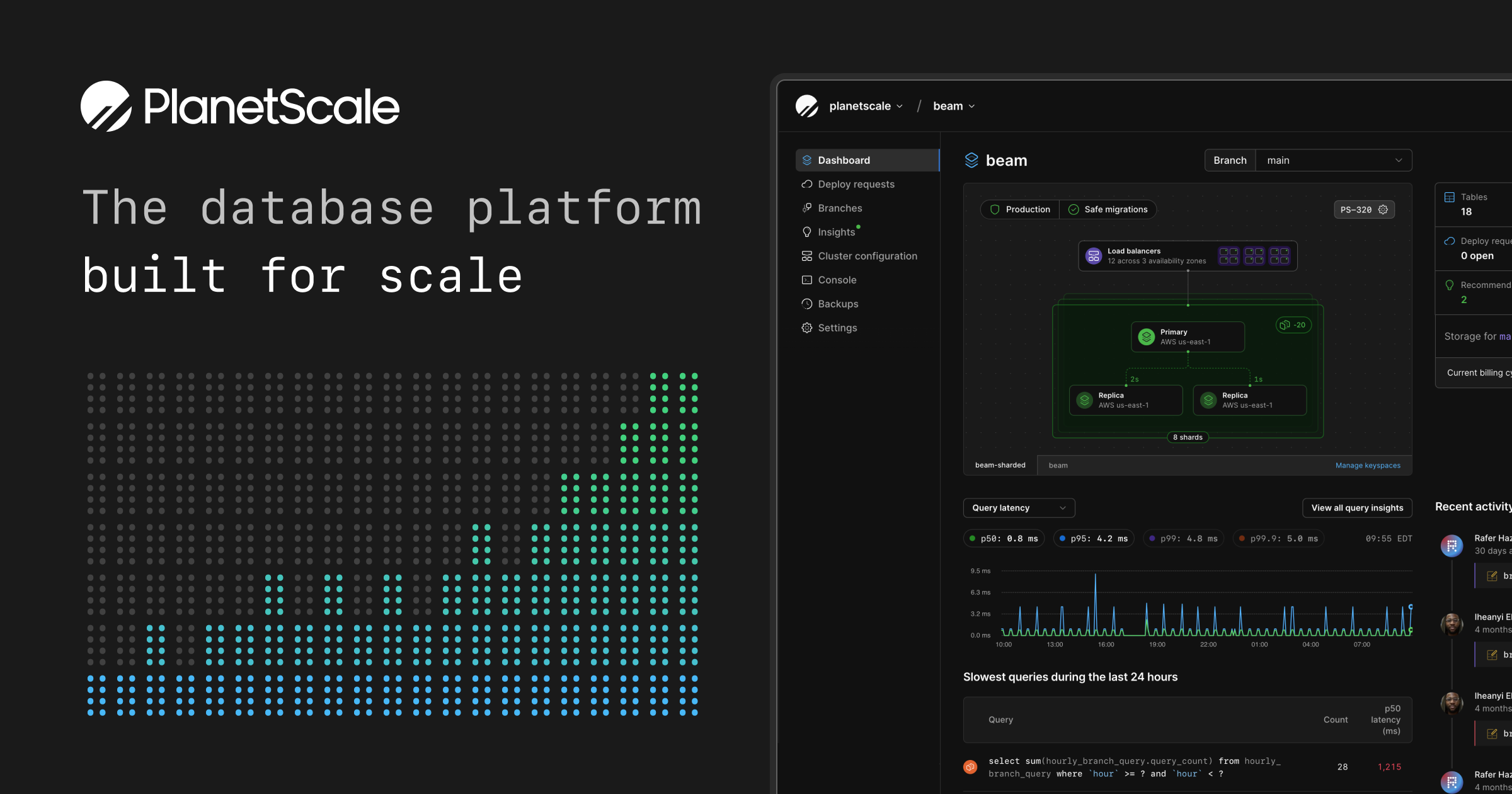
UI Components
- buttonPrimary: background=#F35815, textColor=#FFFFFF, borderRadius=0px, shadow=none
Brand Personality
Tone: modern · Energy: high · Audience: developers and tech companies
PlanetScale Brand in the Wild
Real-world brand assets — ads, campaigns, marketing materials.
- Blog — PlanetScale
- Stripe Projects partnership: Provision PlanetScale Postgres and MySQL databases from the Stripe CLI — PlanetScale
- Grafana Dashboard for PlanetScale Branches - PlanetScale
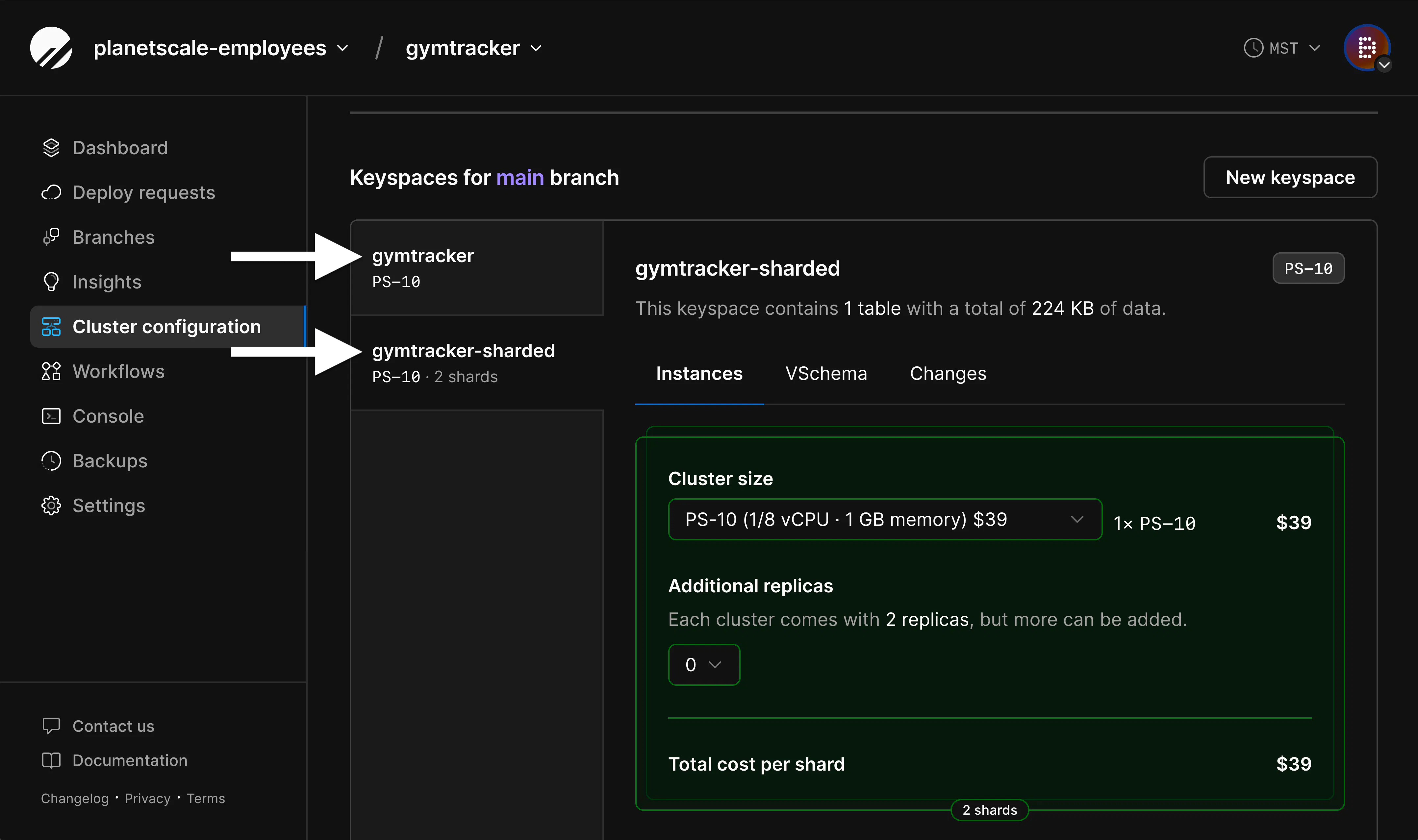
- Introducing sharding on PlanetScale with workflows — PlanetScale
- $5 PlanetScale — PlanetScale
- Introducing sharding on PlanetScale with workflows — PlanetScale


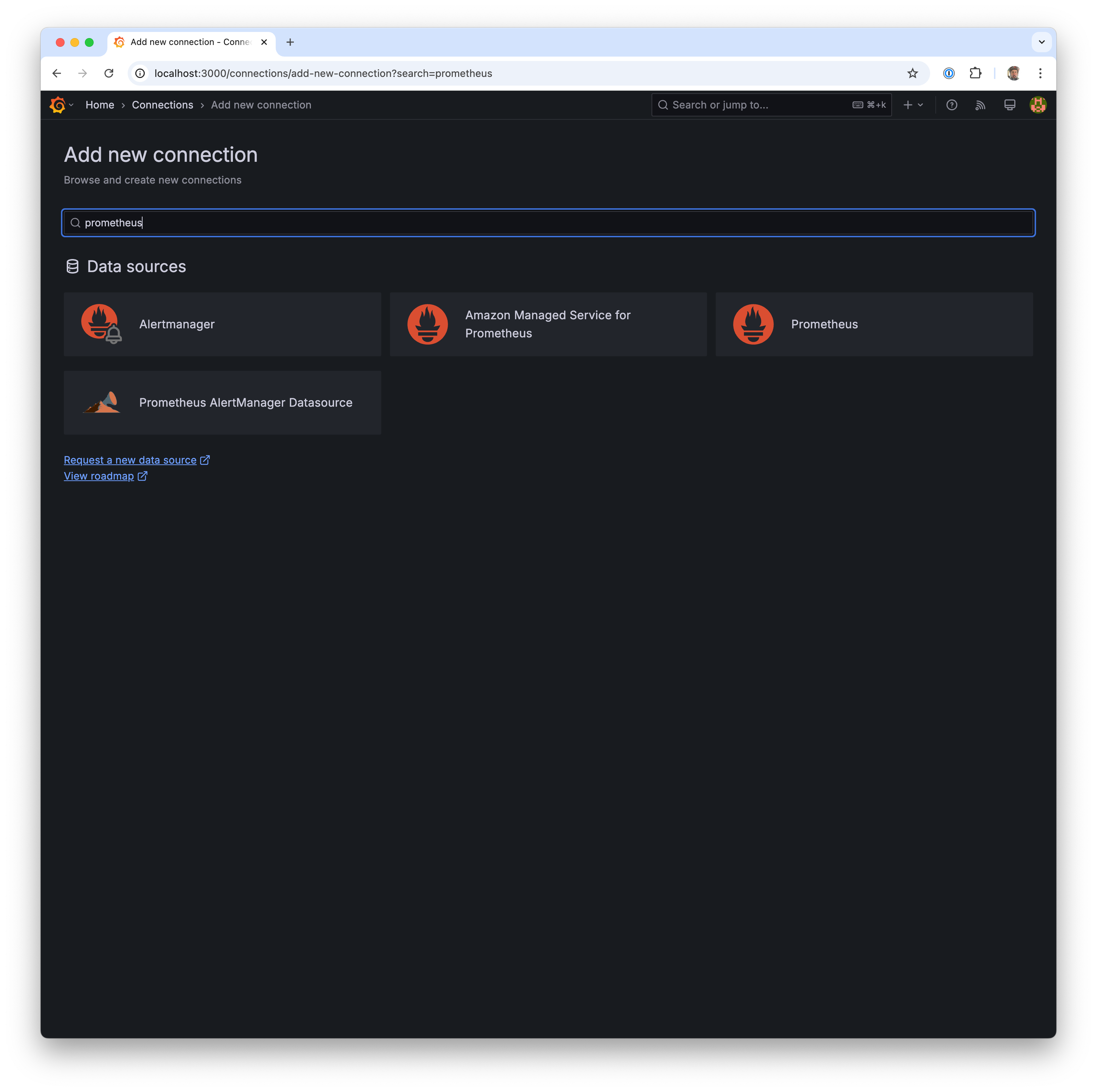
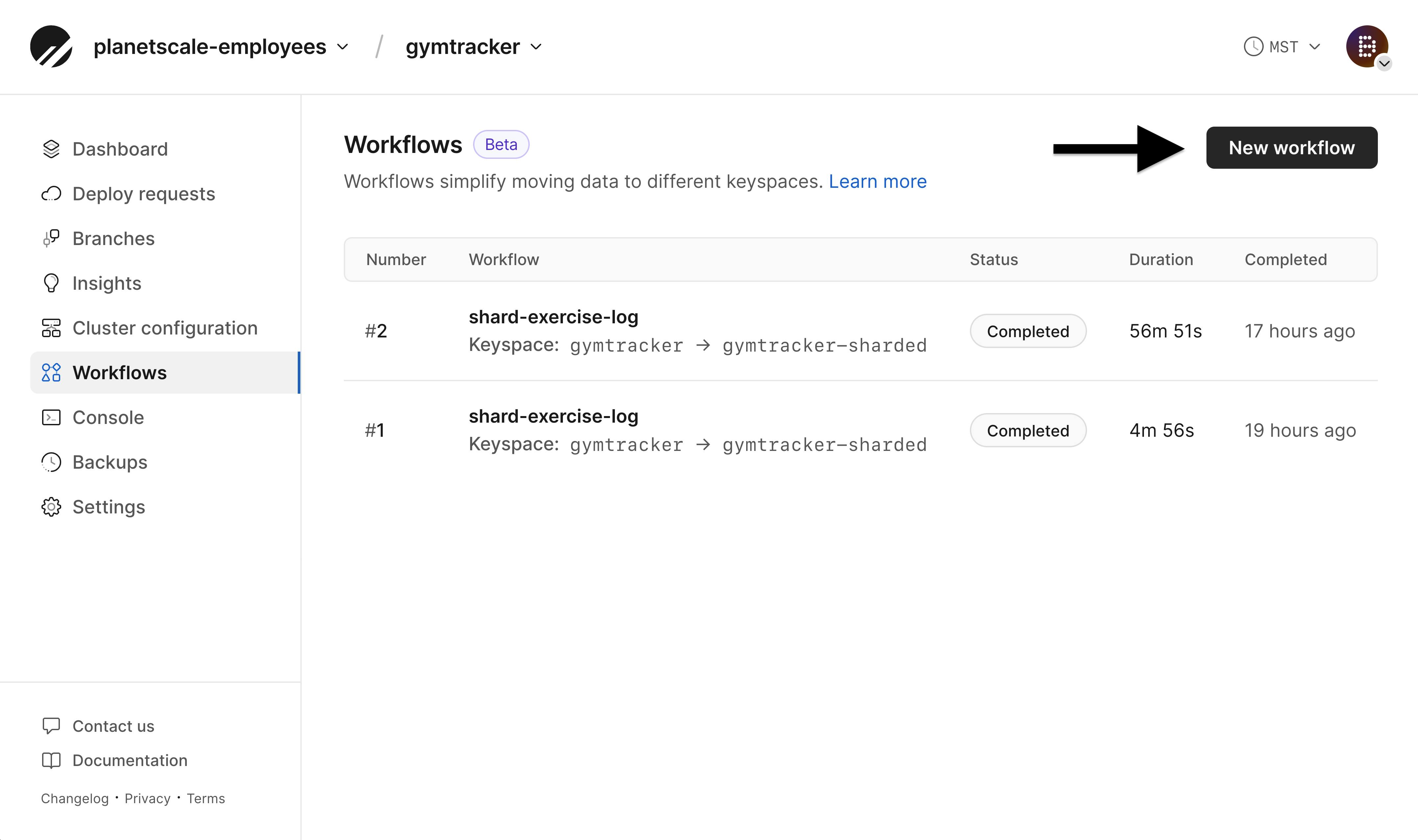
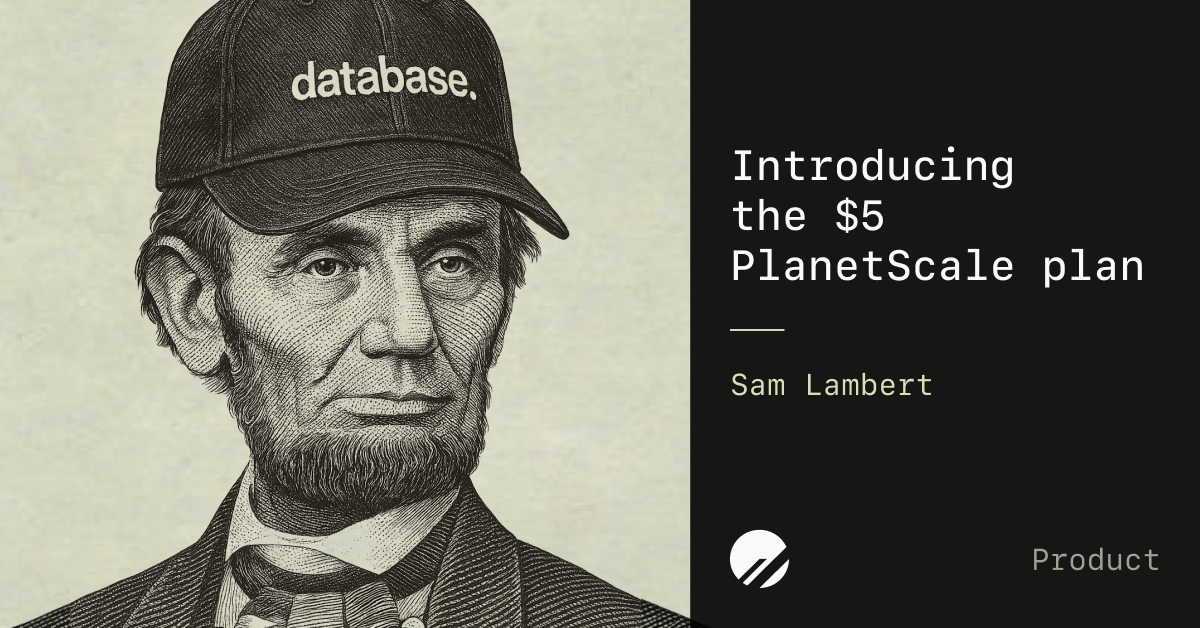
Working with these fonts
Not found on Google Fonts? Follow this flow if you have permission to use the fonts:
- Open the company's homepage in a browser with DevTools open.
- In the Network tab, filter by "Font".
- Hard-reload and click around (pricing, blog, careers) — some weights load on specific routes.
- Download captured font URLs locally.
- View the page's CSS and copy out the matching @font-face declarations.
Programmatic alternative: load the URL with Playwright or Puppeteer, listen for response events whose Content-Type starts with font/, and write the body to disk.
Machine-Readable Profile
{
 "colorScheme": "light",
 "fonts": [
  {
   "family": "SF Mono",
   "role": "monospace"
  }
 ],
 "colors": {
  "primary": "#0B6EC5",
  "secondary": "#F2B600",
  "accent": "#F35815",
  "background": "#FAFAFA",
  "textPrimary": "#414141",
  "link": "#F35815"
 },
 "typography": {
  "fontFamilies": {
   "primary": "SF Mono",
   "heading": "SF Mono"
  },
  "fontStacks": {
   "heading": [
    "ui-monospace",
    "SFMono-Regular",
    "SF Mono",
    "Menlo",
    "Consolas",
    "Liberation Mono",
    "monospace"
   ],
   "body": [
    "ui-monospace",
    "SFMono-Regular",
    "SF Mono",
    "Menlo",
    "Consolas",
    "Liberation Mono",
    "monospace"
   ],
   "paragraph": [
    "ui-monospace",
    "SFMono-Regular",
    "SF Mono",
    "Menlo",
    "Consolas",
    "Liberation Mono",
    "monospace"
   ]
  },
  "fontSizes": {
   "h1": "16px",
   "h2": "16px",
   "body": "16px"
  }
 },
 "spacing": {
  "baseUnit": 4,
  "borderRadius": "0px"
 },
 "components": {
  "buttonPrimary": {
   "background": "#F35815",
   "textColor": "#FFFFFF",
   "borderRadius": "0px",
   "borderRadiusCorners": {
    "topLeft": "0px",
    "topRight": "0px",
    "bottomRight": "0px",
    "bottomLeft": "0px"
   },
   "shadow": "none"
  }
 },
 "images": {
  "logo": "data:image/svg+xml;utf8,%3Csvg%20xmlns%3D%22http%3A%2F%2Fwww.w3.org%2F2000%2Fsvg%22%20width%3D%2232%22%20height%3D%2232%22%20fill%3D%22none%22%20viewBox%3D%220%200%2040%2040%22%20data-fc-idx%3D%220%22%3E%3Cpath%20fill%3D%22currentColor%22%20d%3D%22M0%2020C0%208.954%208.954%200%2020%200c8.121%200%2015.112%204.84%2018.245%2011.794l-26.45%2026.45a20%2020%200%200%201-3.225-1.83L24.984%2020H20L5.858%2034.142A19.94%2019.94%200%200%201%200%2020M39.999%2020.007%2020.006%2040c11.04-.004%2019.99-8.953%2019.993-19.993%22%20style%3D%22fill%3A%20rgb(65%2C%2065%2C%2065)%20!important%3B%22%2F%3E%3C%2Fsvg%3E",
  "favicon": "https://planetscale.com/favicon.ico",
  "ogImage": "https://planetscale.com/assets/social-DtnN8vYG.png",
  "logoHref": "/"
 },
 "personality": {
  "tone": "modern",
  "energy": "high",
  "targetAudience": "developers and tech companies"
 },
 "designSystem": {
  "framework": "tailwind",
  "componentLibrary": ""
 },
 "confidence": {
  "buttons": 0.9,
  "colors": 0.95,
  "overall": 0.925
 }
}