Miyagi Labs Brand: Colors, Fonts, Logo & Visual Identity
Miyagi Labs Brand Identity
A complete profile of Miyagi Labs's visual system — colors, typography, components, and personality — extracted from https://miyagilabs.ai. Built for designers, agents, and AI tools.
Color Palette
Brand palette extracted from https://miyagilabs.ai.
- primary: #0F172A (rgb(15, 23, 42))
- secondary: #4B5563 (rgb(75, 85, 99))
- accent: #EA580C (rgb(234, 88, 12))
- background: #FFFFFF (rgb(255, 255, 255))
- textPrimary: #111827 (rgb(17, 24, 39))
- link: #111827 (rgb(17, 24, 39))
Typography
Each font links to its Google Fonts page where available.
- primary: Outfit Google Fonts →
- heading: Outfit Google Fonts →
Visual Assets
Logo
Favicon
Social Card
UI Components
Live previews rendered using Miyagi Labs's actual button styles.
Button Primary
Background: #EA580C
Text Color: #FFFFFF
Border Radius: 9999px
Shadow: rgba(0, 0, 0, 0) 0px 0px 0px 0px, rgba(0, 0, 0, 0) 0px 0px 0px 0px, rgba(0, 0, 0, 0.1) 0px 1px 3px 0px, rgba(0, 0, 0, 0.1) 0px 1px 2px -1px
Button Secondary
Background: #FFFFFF
Text Color: #0F172A
Border Radius: 0px
Shadow: none
Brand Personality
- Tone: modern
- Energy: medium
- Audience: students and educators
Miyagi Labs Brand in the Wild
Image: miyagilabs.ai
Source: miyagilabs.ai
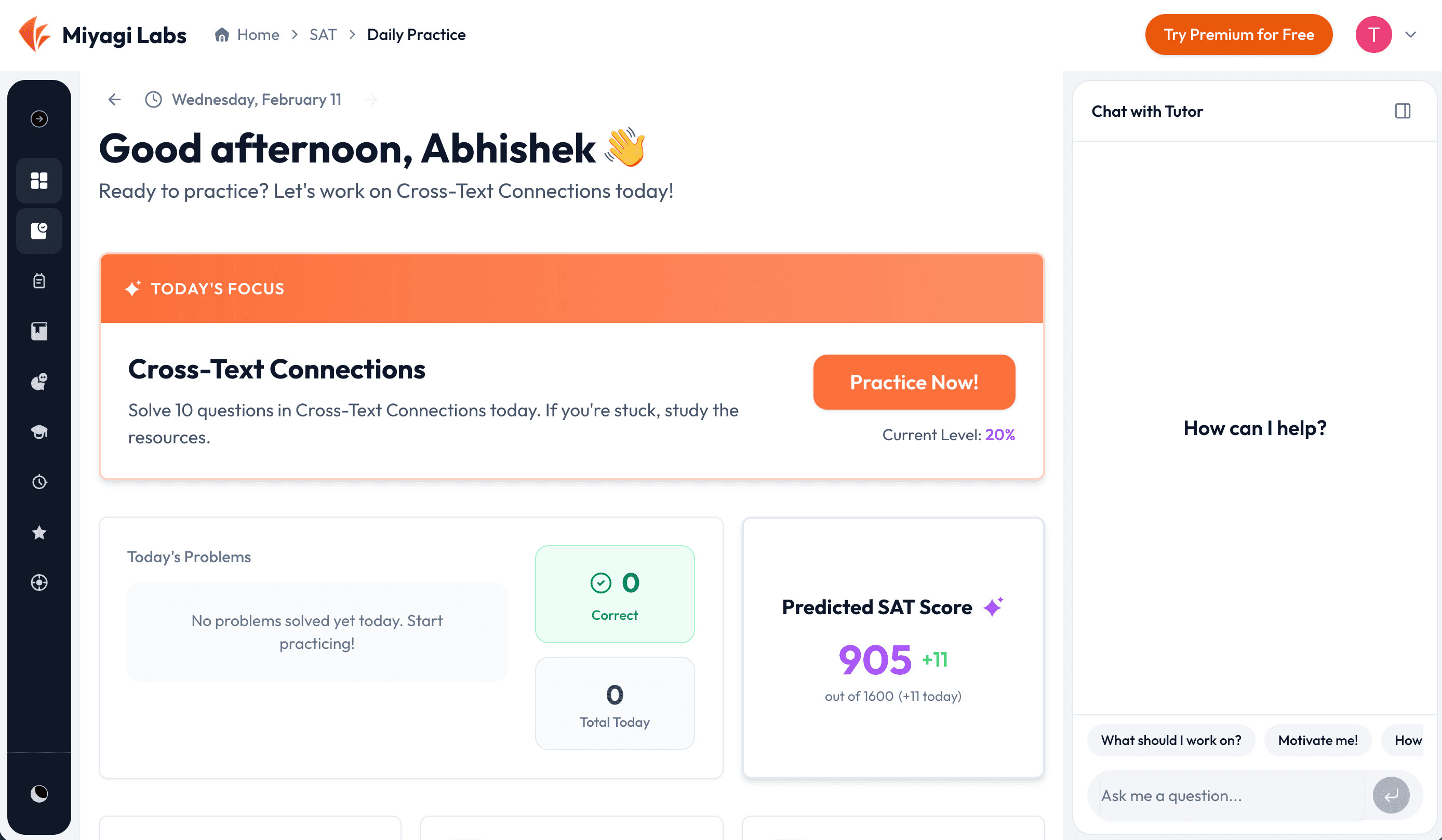
Image: m.media-amazon.com
Source: miyagilabs.ai

Image: i.imgur.com
Source: miyagilabs.ai

Frequently Asked Questions
- What is Miyagi Labs's primary brand color? Miyagi Labs's primary brand color is #0F172A.
- What accent color does Miyagi Labs use? Miyagi Labs uses #EA580C as an accent color.
- What font does Miyagi Labs use? Miyagi Labs uses Outfit as the primary typeface.
- Does Miyagi Labs use a light or dark theme? Miyagi Labs's primary site uses a light color scheme.
- Where can I find Miyagi Labs's logo? Miyagi Labs's logo is available directly on their site (https://miyagilabs.ai).
Methodology
Brand data on this page was extracted from https://miyagilabs.ai using the Firecrawl branding extraction API.
Machine-Readable Profile
Direct endpoints for agents, designers, and tooling. No login or auth required.