fluently.json
Fluently Brand Identity
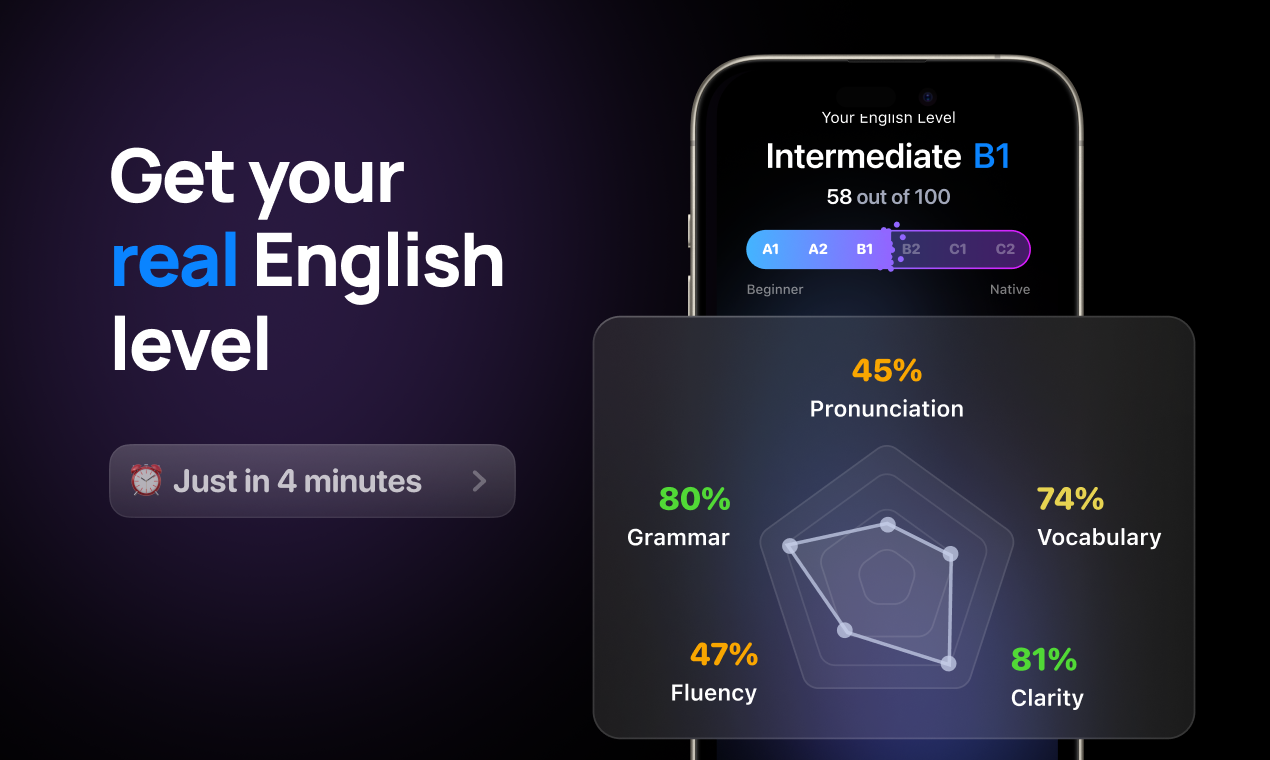
A complete profile of Fluently's visual system — colors, typography, components, and personality — extracted from https://getfluently.app/. Built for designers, agents, and AI tools.
- Page: https://characterquilt.com/branding/fluently
- Machine-readable JSON: https://characterquilt.com/branding/fluently.json
- Per-page llms.txt: https://characterquilt.com/branding/fluently/llms.txt
Quick Facts
| Field | Value |
|---|---|
| Primary | #0000EE |
| Accent | #4A92FF |
| Body Font | Manrope |
| Heading Font | Manrope |
Color Palette
- primary: #0000EE
- secondary: #0A84FF
- accent: #4A92FF
- background: #000000
- textPrimary: #000000
- link: #4A92FF
Typography
- primary: Manrope — https://fonts.google.com/specimen/Manrope
- heading: Manrope — https://fonts.google.com/specimen/Manrope
Visual Assets
- Favicon: https://framerusercontent.com/images/r5P23J542563SnfqGUy0YlzZnY.png
- Social card (og:image): https://framerusercontent.com/assets/soc76dEnqWYpWnjbdb1JhKvuUMM.png

UI Components
- input: background=#EFEFEF, textColor=#000000, borderColor=#767676, borderRadius=0px, shadow=none
- buttonPrimary: background=#000000, textColor=#000000, borderRadius=0px, shadow=none
- buttonSecondary: background=#1A1A1A, textColor=#000000, borderRadius=28px, shadow=none
Brand Personality
Tone: modern · Energy: medium · Audience: English learners seeking AI assistance
Fluently Brand in the Wild
Real-world brand assets — ads, campaigns, marketing materials.
- English Fluency Test: How to Assess Your Speaking Level
- English Verb Tenses: Complete Guide for Non-Native Speakers
- IELTS Speaking Practice: Best Methods and Tools in 2026
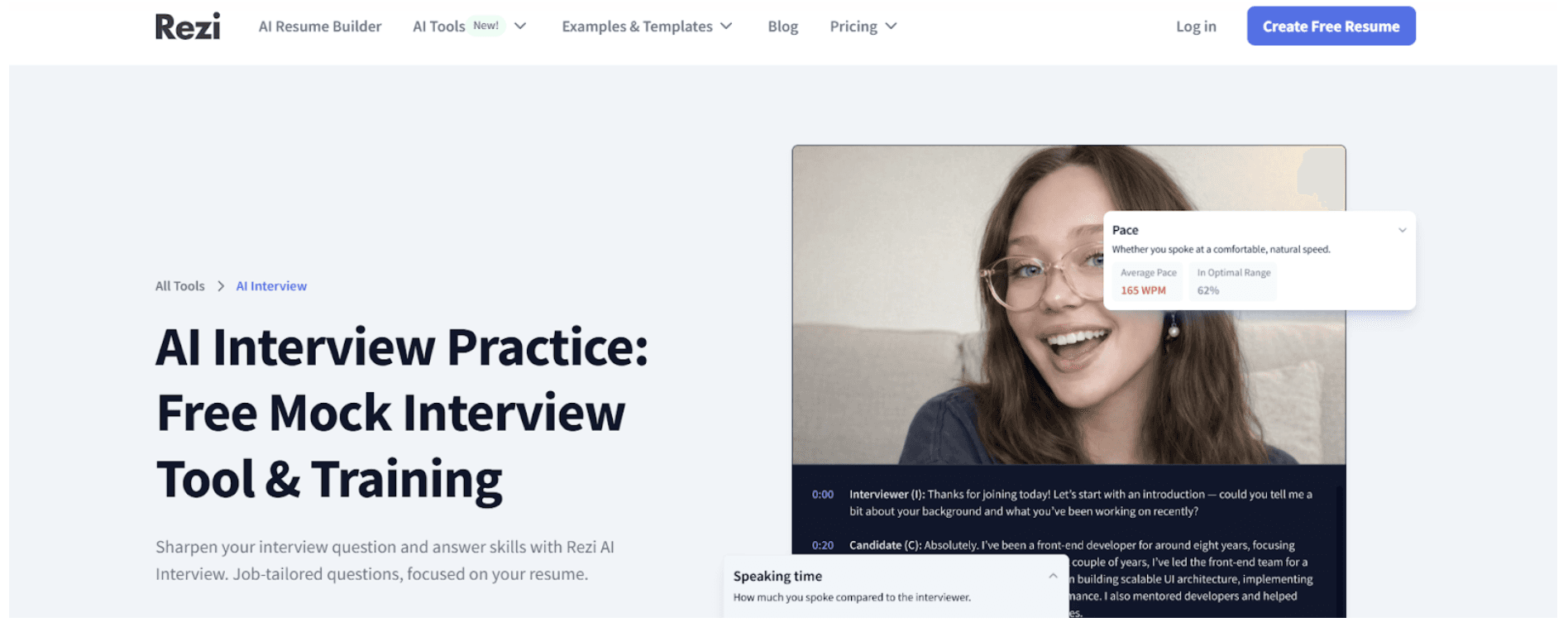
- AI Mock Interview: Prepare for Your English Job Interview with AI
- Most Common English Grammar Mistakes Non-Native Speakers Make (And How to Fix Them)
- How Long Does It Take to Become Fluent in English? (Realistic Timeline)





Working with these fonts
Not found on Google Fonts? Instructions for capturing fonts:
- Open the company's homepage in a browser with DevTools open.
- In the Network tab, filter by "Font".
- Hard-reload the page and navigate around.
- For each captured font URL, right-click → Save As to download.
- Use CSS to match @font-face declarations locally.