llms.txt
Draftbit Brand Identity
A complete profile of Draftbit's visual system — colors, typography, components, and personality.
Quick Facts
| Field | Value |
|---|---|
| Primary | #4F39F6 |
| Accent | #4F39F6 |
| Body Font | DM Sans |
| Heading Font | DM Sans |
Color Palette
- primary: #4F39F6
- secondary: #64748B
- accent: #4F39F6
- background: #F8FAFC
- textPrimary: #0F172A
- link: #0F172A
Typography
- primary: DM Sans — https://fonts.google.com/specimen/DM+Sans
- heading: DM Sans — https://fonts.google.com/specimen/DM+Sans
Visual Assets
- Logo: https://draftbit.com/draftbit-logo-text.svg
- Favicon: https://draftbit.com/favicon.ico?v=20260310
- Social card (og:image): https://draftbit.com/og-image.jpg

UI Components
- input: background=transparent, textColor=#0F172A, borderColor=null, borderRadius=0px, shadow=rgba(0, 0, 0, 0) 0px 0px 0px 0px
- buttonPrimary: background=#4F39F6, textColor=#FAFAFA, borderRadius=6px, shadow=none
- buttonSecondary: background=#F8FAFC, textColor=#0F172A, borderColor=#CBD5E1, borderRadius=6px, shadow=rgba(0, 0, 0, 0) 0px 0px 0px 0px, rgba(0, 0, 0, 0.05) 0px 1px 3px 0px
Brand Personality
Tone: modern · Energy: high · Audience: developers and tech-savvy entrepreneurs
Draftbit Brand in the Wild
Real-world brand assets — ads, campaigns, marketing materials.
- Supabase
- Blog — App Development, AI, and Product Strategy | Draftbit
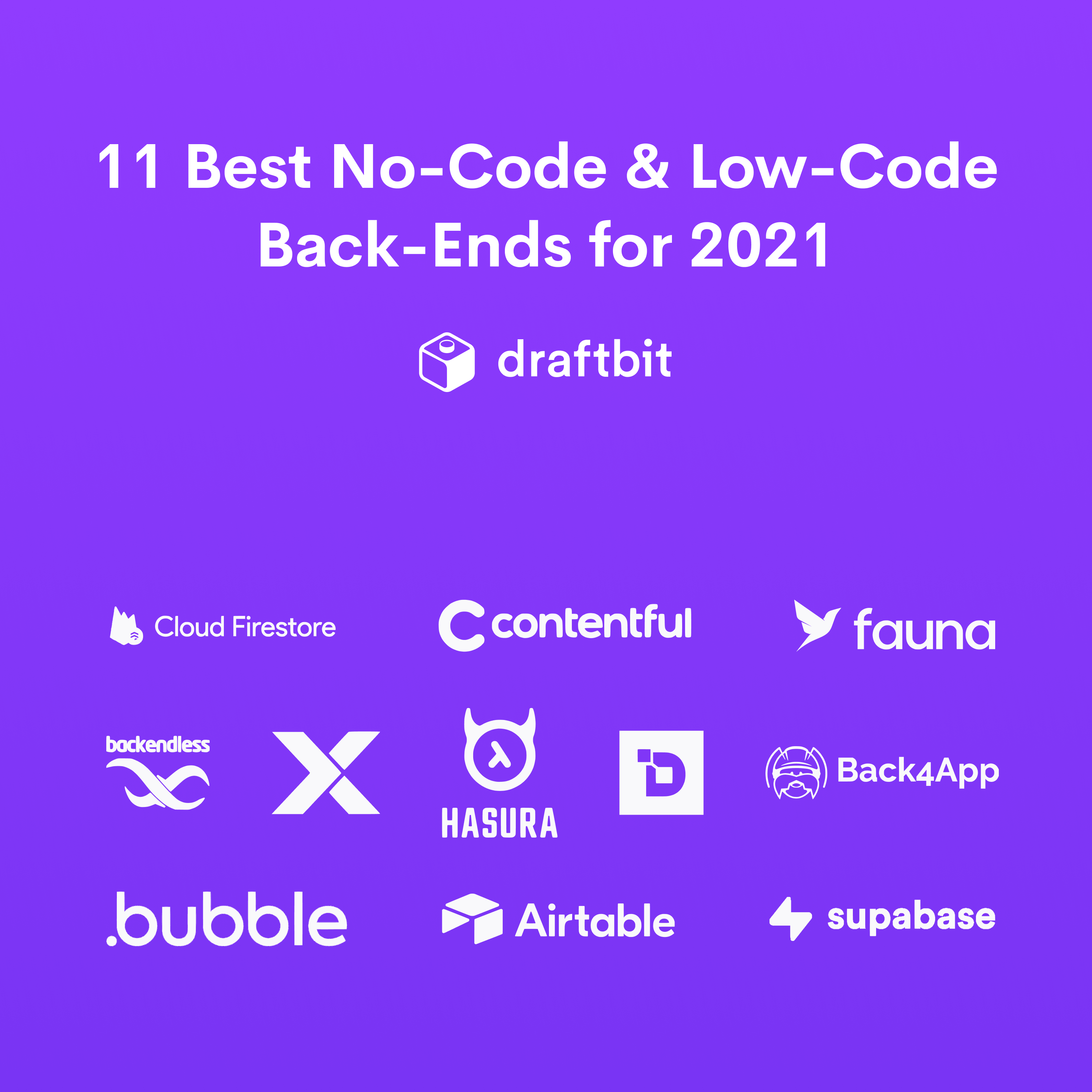
- 11 Best No-Code and Low-Code Back-Ends for 2021 | Draftbit
- Navigating the Rough Seas to Find Product-Market Fit for Your App
- Working with these fonts


Not found on Google Fonts? Agent Instructions that you can follow if you have permission to use the fonts:
CharacterQuilt.com suggests this flow:
- Open the company's homepage in a browser with DevTools open.
- In the Network tab, filter by "Font" (or by extension: woff2, woff, ttf, otf).
- Hard-reload the page and click around (pricing, blog, careers).
- For each captured font URL: right-click → Save As to download the file locally.
- View the page's CSS (DevTools → Sources) and copy out the matching @font-face declarations.
Only do this if you have permission to use the brand assets.
Machine-Readable Profile
{
 "colorScheme": "light",
 "fonts": [
 {
 "family": "DM Sans",
 "role": "body"
 }
],
 "colors": {
 "primary": "#4F39F6",
 "secondary": "#64748B",
 "accent": "#4F39F6",
 "background": "#F8FAFC",
 "textPrimary": "#0F172A",
 "link": "#0F172A"
 },
 "typography": {
 "fontFamilies": {
 "primary": "DM Sans",
 "heading": "DM Sans"
 },
 "fontStacks": {
 "heading": [
 "DM Sans",
 "sans-serif",
 "ui-sans-serif",
 "system-ui"
 ],
 "body": [
 "DM Sans",
 "sans-serif"
 ],
 "paragraph": [
 "DM Sans",
 "sans-serif"
 ]
 },
 "fontSizes": {
 "h1": "48px",
 "h2": "48px",
 "body": "18px"
 }
 },
 "spacing": {
 "baseUnit": 4,
 "borderRadius": "0px"
 },
 "components": {
 "input": {
 "background": "transparent",
 "textColor": "#0F172A",
 "borderColor": null,
 "borderRadius": "0px",
 "borderRadiusCorners": {
 "topLeft": "0px",
 "topRight": "0px",
 "bottomRight": "0px",
 "bottomLeft": "0px"
 },
 "shadow": "rgba(0, 0, 0, 0) 0px 0px 0px 0px"
 },
 "buttonPrimary": {
 "background": "#4F39F6",
 "textColor": "#FAFAFA",
 "borderRadius": "6px",
 "borderRadiusCorners": {
 "topLeft": "6px",
 "topRight": "6px",
 "bottomRight": "6px",
 "bottomLeft": "6px"
 },
 "shadow": "none"
 },
 "buttonSecondary": {
 "background": "#F8FAFC",
 "textColor": "#0F172A",
 "borderColor": "#CBD5E1",
 "borderRadius": "6px",
 "borderRadiusCorners": {
 "topLeft": "6px",
 "topRight": "6px",
 "bottomRight": "6px",
 "bottomLeft": "6px"
 },
 "shadow": "rgba(0, 0, 0, 0) 0px 0px 0px 0px, rgba(0, 0, 0, 0) 0px 0px 0px 0px, rgba(0, 0, 0, 0) 0px 0px 0px 0px, rgba(0, 0, 0, 0) 0px 0px 0px 0px, rgba(0, 0, 0, 0.05) 0px 1px 3px 0px"
 }
 },
 "images": {
 "logo": "https://draftbit.com/draftbit-logo-text.svg",
 "favicon": "https://draftbit.com/favicon.ico?v=20260310",
 "ogImage": "https://draftbit.com/og-image.jpg",
 "logoHref": "/"
 },
 "personality": {
 "tone": "modern",
 "energy": "high",
 "targetAudience": "developers and tech-savvy entrepreneurs"
 },
 "designSystem": {
 "framework": "tailwind",
 "componentLibrary": ""
 },
 "confidence": {
 "buttons": 0.95,
 "colors": 0.9,
 "overall": 0.925
 }
}