llms.txt
Contentsquare Brand Identity
A complete profile of Contentsquare's visual system — colors, typography, components, and personality.
Quick Facts
| Field | Value |
|---|---|
| Primary | #CD3246 |
| Accent | #CD3246 |
| Body Font | Inter |
| Heading Font | Inter |
Color Palette
- primary: #CD3246
- secondary: #5252DB
- accent: #CD3246
- background: #F7F7FF
- textPrimary: #0D0D0D
- link: #EEEEFF
Typography
Visual Assets
- Logo: data:image/svg+xml;utf8,...(truncated SVG data)
- Favicon: https://contentsquare.com/favicons/apple-touch-icon.png
- Social card (og:image): https://images.ctfassets.net/gwbpo1m641r7/3qlhlZA9G2CUCgfnOBmpOu/a7d57f0fab461bd136bd4f38eca71557/Frame_1948762192.jpg

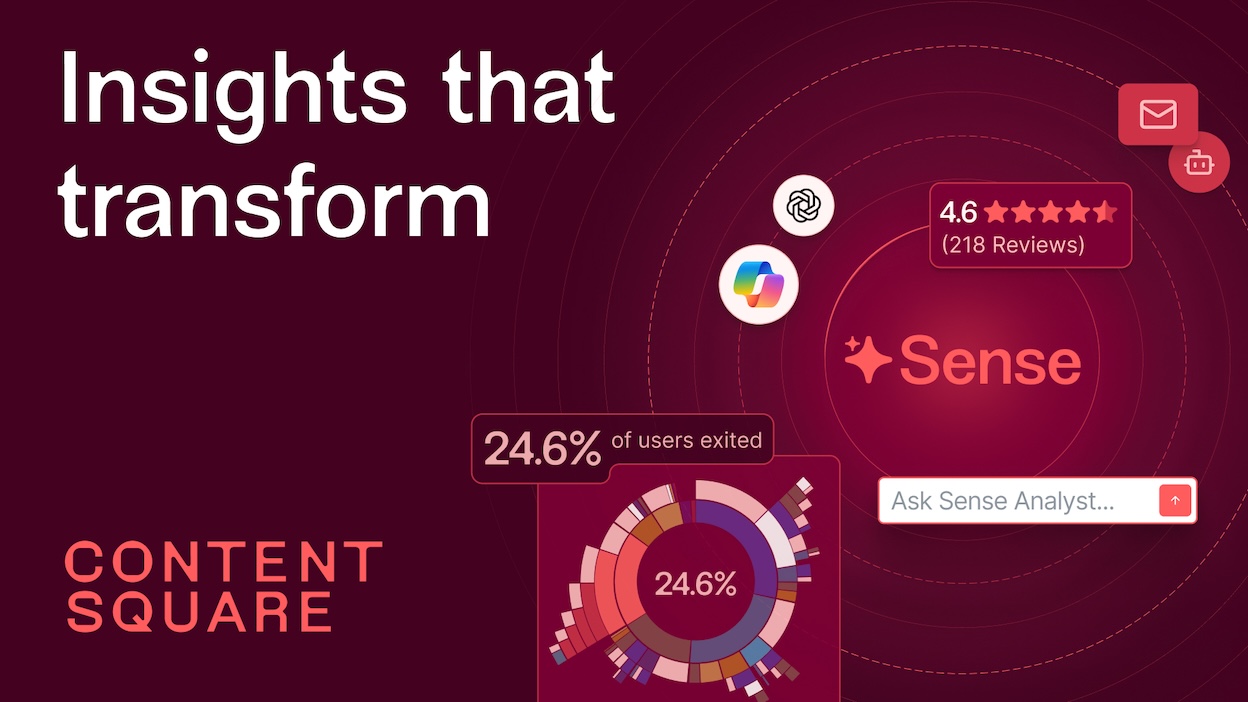
UI Components
- input: background=#FFFFFF, textColor=#000000, borderColor=#DDDDFF, borderRadius=8px, shadow=none
- buttonPrimary: background=#CD3246, textColor=#FFFFFF, borderRadius=50px, shadow=none
- buttonSecondary: background=#5252DB, textColor=#FFFFFF, borderRadius=12px, shadow=none
Brand Personality
Tone: professional · Energy: medium · Audience: business professionals and enterprises
Contentsquare Brand in the Wild
Real-world brand assets — ads, campaigns, marketing materials.
- Contentsquare for Telecom: Keep Customers on the Line
- Contentsquare Blog - Fresh Ideas & Digital Experience Insights

Working with these fonts
Not found on Google Fonts? Instructions for usage:
- Open the company's homepage in a browser with DevTools open.
- In the Network tab, filter by "Font" (or by extension: woff2, woff, ttf, otf).
- Hard-reload the page and click around (pricing, blog, careers).
- For each captured font URL: right-click → Save As to download the file locally.
- View the page's CSS (DevTools → Sources) and copy out the matching @font-face declarations.
Machine-Readable Profile
{
 "colorScheme": "light",
 "fonts": [
  {
   "family": "Inter",
   "role": "body"
  },
  {
   "family": "NewEdgeRounded",
   "role": "unknown"
  }
 ],
 "colors": {
  "primary": "#CD3246",
  "secondary": "#5252DB",
  "accent": "#CD3246",
  "background": "#F7F7FF",
  "textPrimary": "#0D0D0D",
  "link": "#EEEEFF"
 },
 "typography": {
  "fontFamilies": {
   "primary": "Inter",
   "heading": "Inter"
  },
  "fontStacks": {
   "heading": [
    "NewEdgeRounded",
    "sans-serif",
    "Apple Color Emoji",
    "Segoe UI Emoji",
    "Segoe UI Symbol",
    "Noto Color Emoji"
   ],
   "body": [
    "Inter",
    "sans-serif",
    "Apple Color Emoji",
    "Segoe UI Emoji",
    "Segoe UI Symbol",
    "Noto Color Emoji"
   ],
   "paragraph": [
    "Inter",
    "sans-serif",
    "Apple Color Emoji",
    "Segoe UI Emoji",
    "Segoe UI Symbol",
    "Noto Color Emoji"
   ]
  },
  "fontSizes": {
   "h1": "48px",
   "h2": "48px",
   "body": "12px"
  }
 },
 "spacing": {
  "baseUnit": 4,
  "borderRadius": "6px"
 },
 "components": {
  "input": {
   "background": "#FFFFFF",
   "textColor": "#000000",
   "borderColor": "#DDDDFF",
   "borderRadius": "8px",
   "borderRadiusCorners": {
    "topLeft": "8px",
    "topRight": "8px",
    "bottomRight": "8px",
    "bottomLeft": "8px"
   },
   "shadow": "none"
  },
  "buttonPrimary": {
   "background": "#CD3246",
   "textColor": "#FFFFFF",
   "borderRadius": "50px",
   "borderRadiusCorners": {
    "topLeft": "50px",
    "topRight": "50px",
    "bottomRight": "50px",
    "bottomLeft": "50px"
   },
   "shadow": "none"
  },
  "buttonSecondary": {
   "background": "#5252DB",
   "textColor": "#FFFFFF",
   "borderRadius": "12px",
   "borderRadiusCorners": {
    "topLeft": "12px",
    "topRight": "12px",
    "bottomRight": "12px",
    "bottomLeft": "12px"
   },
   "shadow": "none"
  }
 },
 "images": {
  "logo": "data:image/svg+xml;utf8,...(truncated SVG data)",
  "favicon": "https://contentsquare.com/favicons/apple-touch-icon.png",
  "ogImage": "https://images.ctfassets.net/gwbpo1m641r7/3qlhlZA9G2CUCgfnOBmpOu/a7d57f0fab461bd136bd4f38eca71557/Frame_1948762192.jpg",
  "logoHref": "/",
  "logoAlt": "Content Square - back to home page"
 }
}