bytebot.json
Bytebot Brand Identity
A complete profile of Bytebot's visual system — colors, typography, components, and personality — extracted from https://www.bytebot.ai/. Built for designers, agents, and AI tools.
- Page: https://characterquilt.com/branding/bytebot
- Machine-readable JSON: https://characterquilt.com/branding/bytebot.json
- Per-page llms.txt: https://characterquilt.com/branding/bytebot/llms.txt
Quick Facts
| Field | Value |
|---|---|
| Primary | #0000EE |
| Accent | #691867 |
| Body Font | Instrument Sans |
| Heading Font | Geist |
Color Palette
- primary: #0000EE
- secondary: #FF8CFD
- accent: #691867
- background: #FFFFFF
- textPrimary: #8E8D8C
- link: #691867
Typography
- primary: Instrument Sans — https://fonts.google.com/specimen/Instrument+Sans
- heading: Geist — https://fonts.google.com/specimen/Geist
Visual Assets
- Logo: https://framerusercontent.com/images/NGwPDS0LHkmvNtH5QBRn1aVYlQU.svg?width=145&height=30
- Favicon: https://framerusercontent.com/images/FzU86ZIBVpLUcEFjuowJnGbqSgc.png
- Social card (og:image): https://framerusercontent.com/assets/Sr25GVPRpG7jZymFBC3MeHQVFUI.png


UI Components
- buttonPrimary: background=#FFFFFF, textColor=#0000EE, borderRadius=10px, shadow=rgb(255, 255, 255) 0px 0px 0px 1.5px inset, rgba(0, 0, 0, 0.06) 0px 1px 2px 0px, rgba(0, 0, 0, 0.1) 0px 1px 3px 0px
- buttonSecondary: background=#131010, textColor=#0000EE, borderRadius=10px, shadow=none
Brand Personality
Tone: modern · Energy: medium · Audience: tech-savvy professionals
Bytebot Brand in the Wild
Real-world brand assets — ads, campaigns, marketing materials.
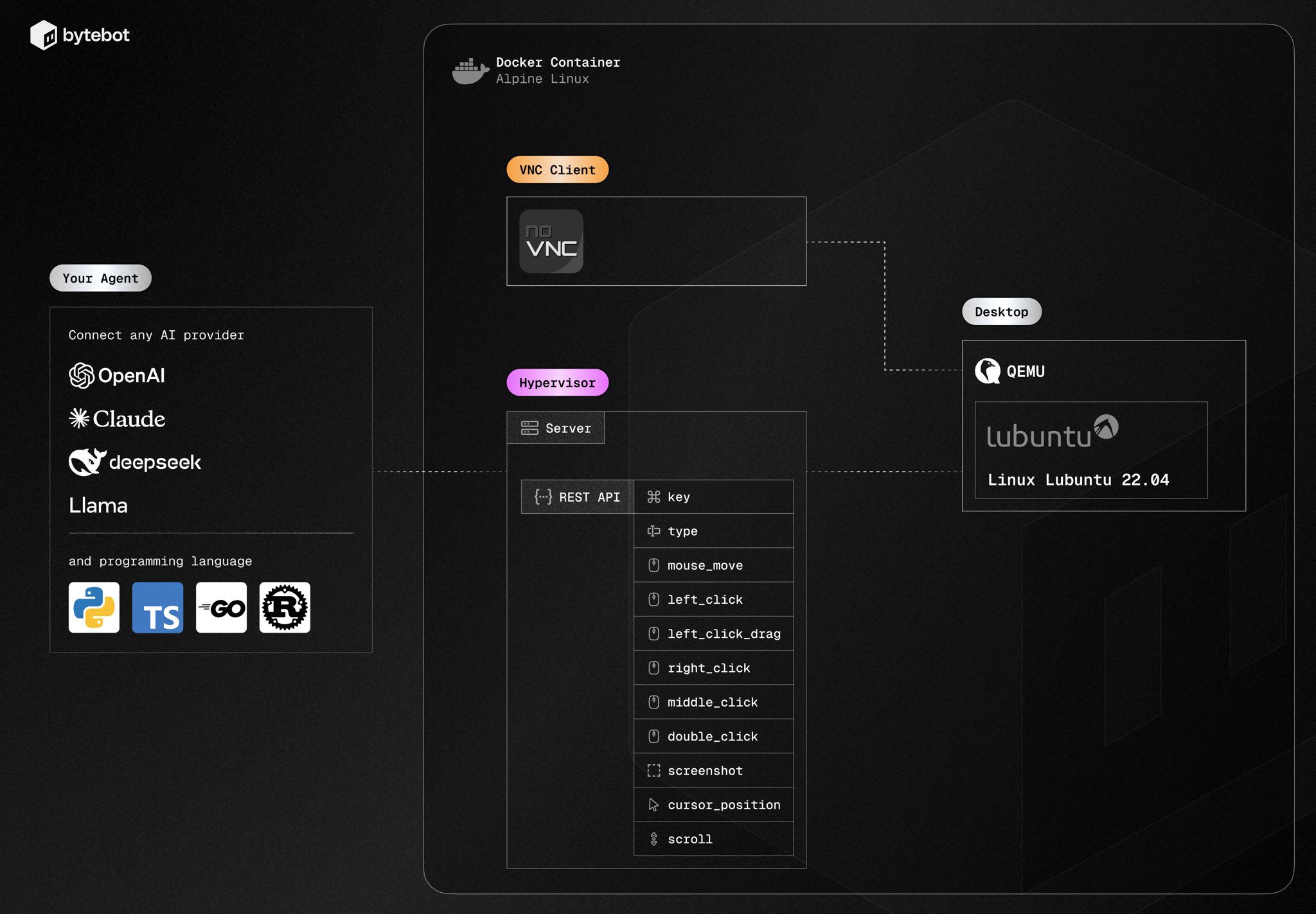
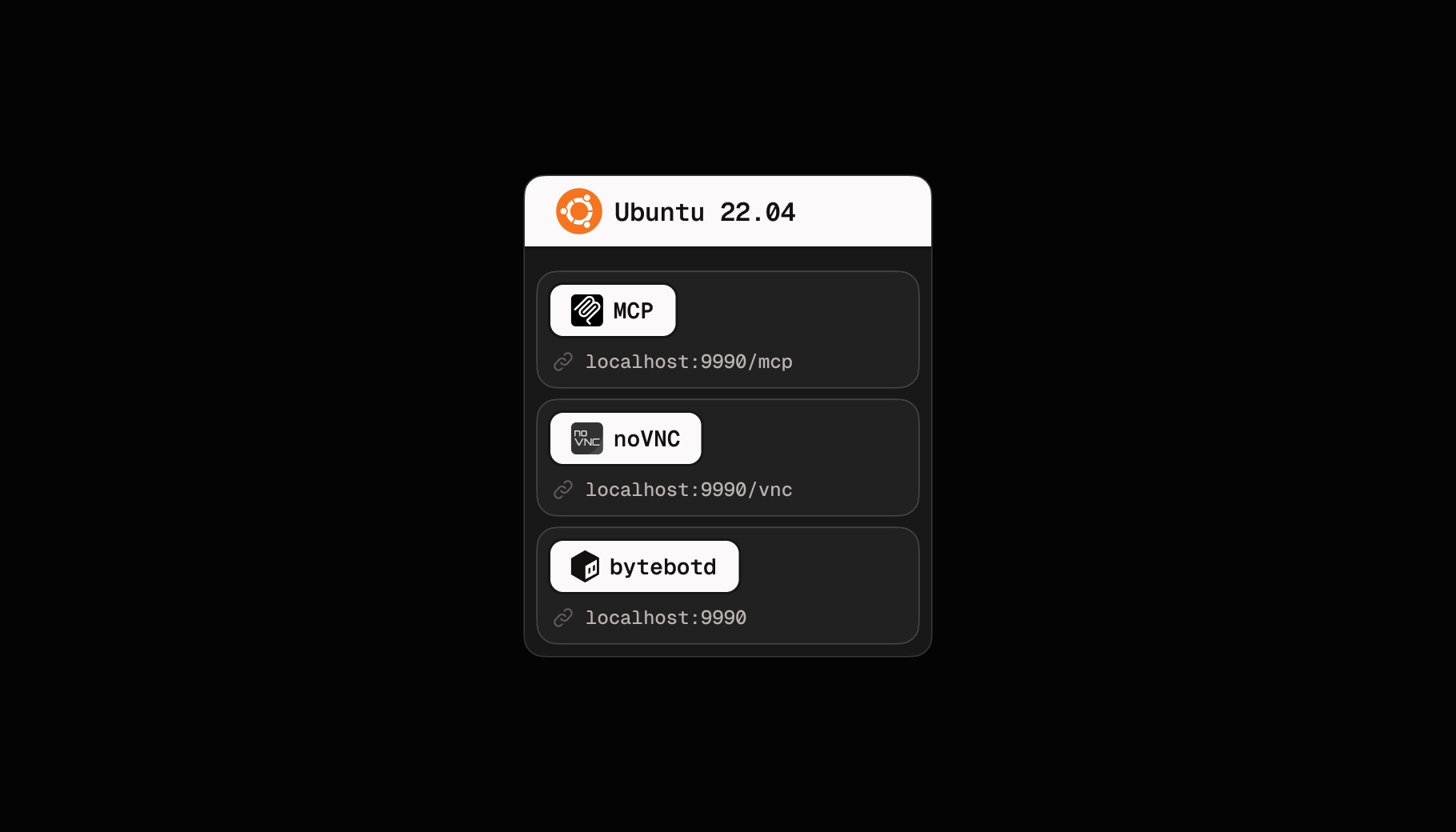
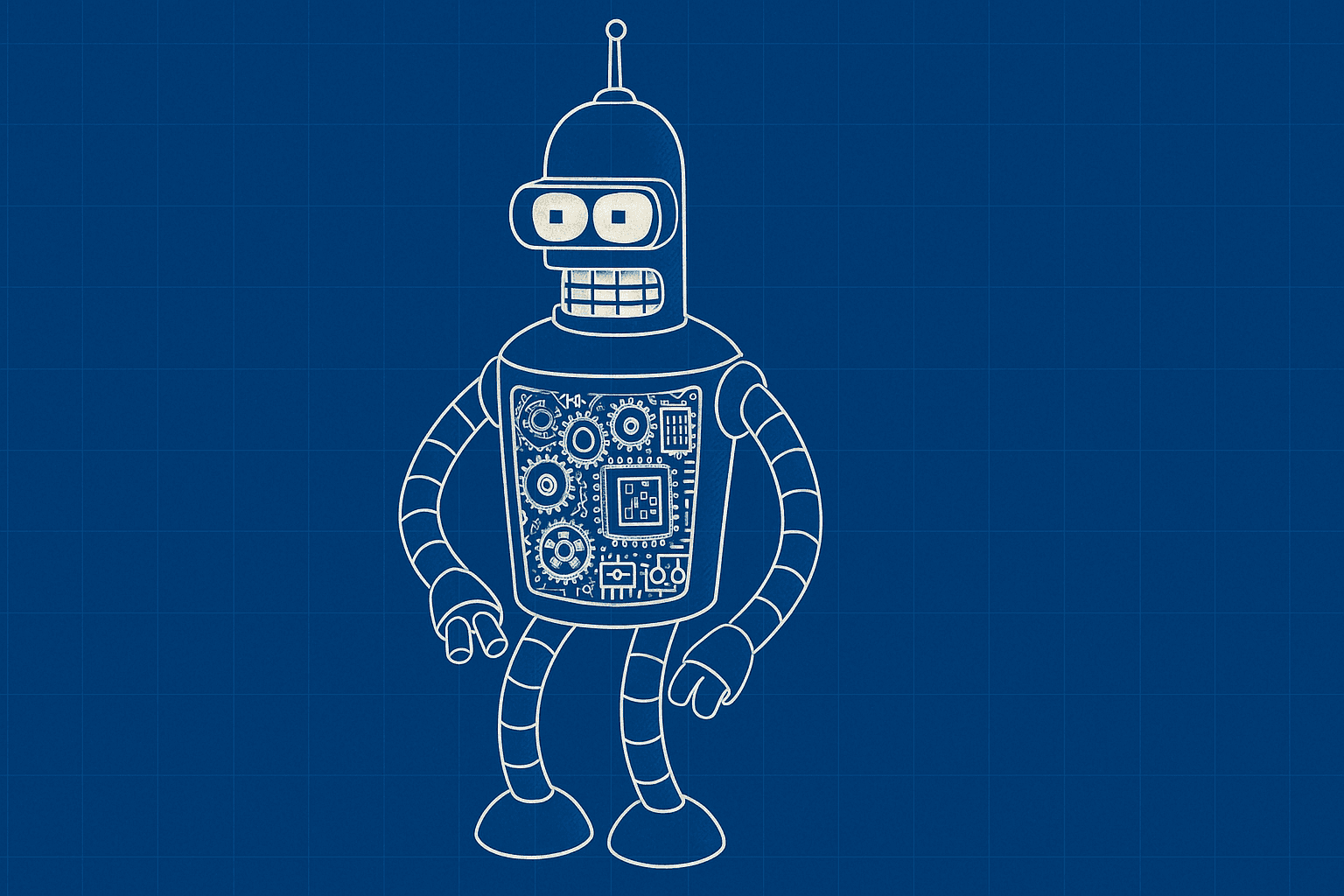
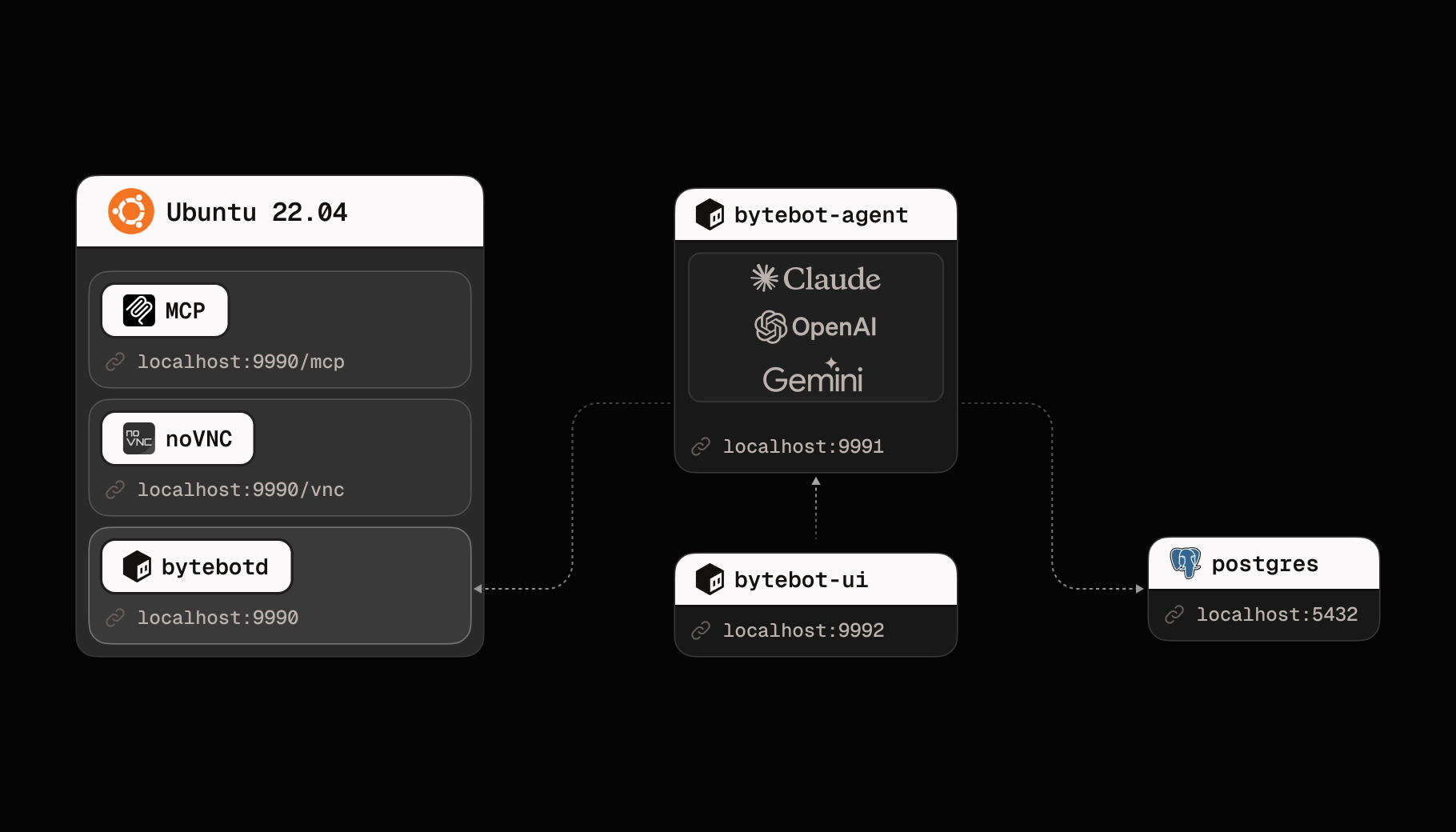
- The Bytebot Core – From Linux Container to Agent Control Surface - Bytebot - The Easiest Way to Build Desktop Agents
- The Bytebot Core – From Linux Container to Agent Control Surface - Bytebot - The Easiest Way to Build Desktop Agents
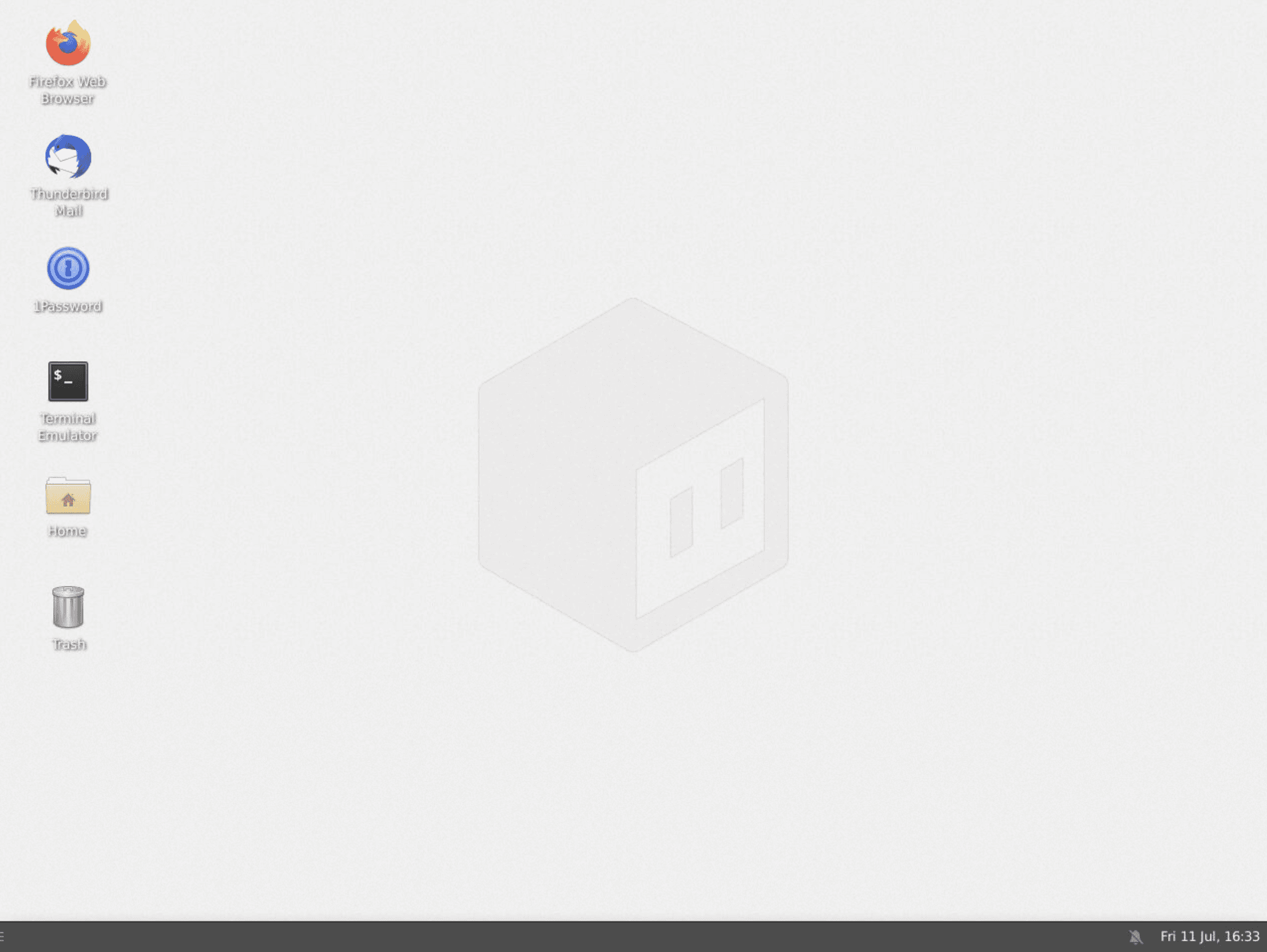
- Desktop Environment - Bytebot - Self-Hosted AI Desktop Agent
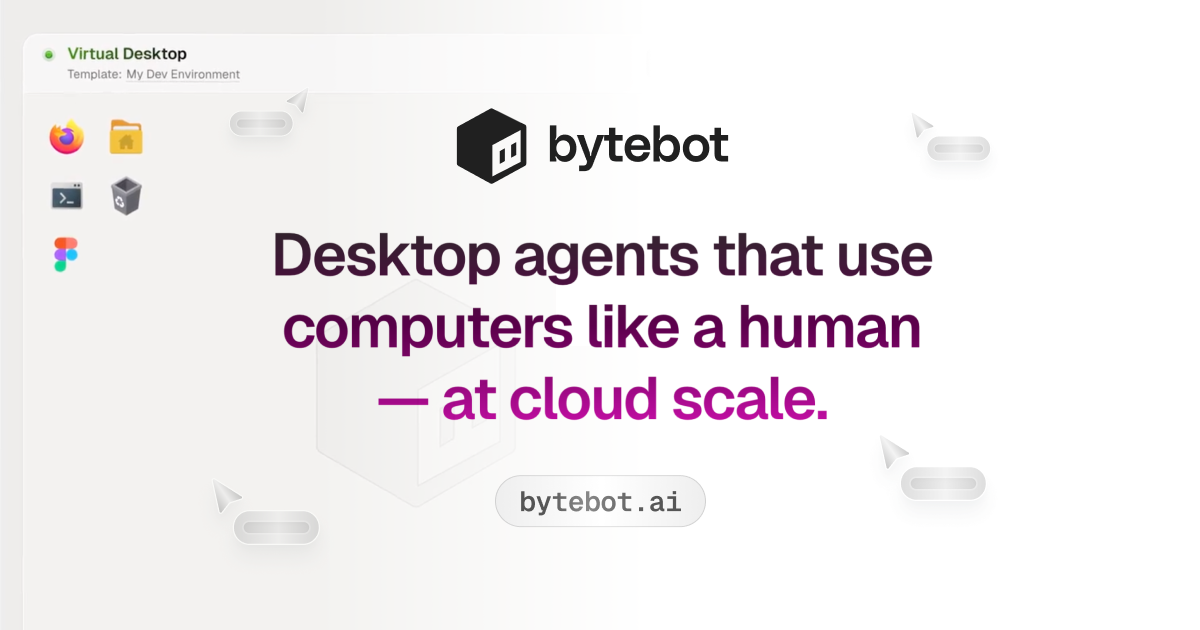
- Bytebot - Desktop agents that use computers like a human — at cloud scale.
- Introduction - Bytebot - Self-Hosted AI Desktop Agent
- Image: https://bytebot.mintlify.app/mintlify-assets/_next/image?url=%2F_mintlify%2Fapi%2Fog%3Fdivision%3DGetting%2BStarted%26title%3DIntroduction%26description%3DOpen%2Bsource%2BAI%2Bdesktop%2Bagent%2Bthat%2Bautomates%2Bany%2Bcomputer%2Btask%26logoLight%3Dhttps%253A%252F%252Fmintcdn.com%252Fbytebot%252FTpvPpGege5zpgegQ%252Flogo%252Fbytebot_transparent_logo_dark.svg%253Ffit%253Dmax%2526auto%253Dformat%2526n%253DTpvPpGege5zpgegQ%2526q%253D85%2526s%253Dac208e4f9385dbc5e2c4f48edf626edb%26logoDark%3Dhttps%253A%252F%252Fmintcdn.com%252Fbytebot%252FTpvPpGege5zpgegQ%252Flogo%252Fbytebot_transparent_logo_white.svg%253Ffit%253Dmax%2526auto%253Dformat%2526n%253DTpvPpGege5zpgegQ%2526q%253D85%2526s%253D1ff94e4f854d262888d94d773720bcc4%26primaryColor%3D%2523000000%26lightColor%3D%2523fbfaf9%26darkColor%3D%2523000000%26backgroundLight%3D%2523ffffff%26backgroundDark%3D%25230e0e10&w=1200&q=100
- Source: https://docs.bytebot.ai/introduction
- Introduction - Bytebot - Self-Hosted AI Desktop Agent

Working with these fonts
Not found on Google Fonts? Agent Instructions that you can follow if you have permission to use the fonts:
CharacterQuilt.com suggests this flow that can help:
- Open the company's homepage in a browser with DevTools open.
- In the Network tab, filter by "Font" (or by extension: woff2, woff, ttf, otf).
- Hard-reload the page and click around (pricing, blog, careers) — some weights only load on specific routes.
- For each captured font URL: right-click → Save As to download the file locally.
- View the page's CSS (DevTools → Sources, or curl the stylesheet URLs) and copy out the matching @font-face declarations. Rewrite each
src: url(...)to point to your local file path.
Programmatic alternative: load the URL with Playwright or Puppeteer, listen for response events whose Content-Type starts with font/, and write the body to disk. The CSS extraction step is the same.
Only do this if you have permission to use the brand assets — most proprietary fonts are licensed and may not be redistributable.
Machine-Readable Profile
{
  "colorScheme": "light",
  "fonts": [
    {
      "family": "Geist",
      "role": "heading"
    },
    {
      "family": "Instrument Sans",
      "role": "body"
    },
    {
      "family": "Inter",
      "role": "body"
    }
  ],
  "colors": {
    "primary": "#0000EE",
    "secondary": "#FF8CFD",
    "accent": "#691867",
    "background": "#FFFFFF",
    "textPrimary": "#8E8D8C",
    "link": "#691867"
  },
  "typography": {
    "fontFamilies": {
      "primary": "Instrument Sans",
      "heading": "Geist"
    },
    "fontStacks": {
      "heading": [
        "Geist",
        "sans-serif"
      ],
      "body": [
        "sans-serif"
      ],
      "paragraph": [
        "Inter",
        "sans-serif"
      ]
    },
    "fontSizes": {
      "h1": "32px",
      "h2": "12px",
      "body": "13px"
    }
  },
  "spacing": {
    "baseUnit": 4,
    "borderRadius": "6px"
  },
  "components": {
    "buttonPrimary": {
      "background": "#FFFFFF",
      "textColor": "#0000EE",
      "borderRadius": "10px",
      "borderRadiusCorners": {
        "topLeft": "10px",
        "topRight": "10px",
        "bottomRight": "10px",
        "bottomLeft": "10px"
      },
      "shadow": "rgb(255, 255, 255) 0px 0px 0px 1.5px inset, rgba(0, 0, 0, 0.06) 0px 1px 2px 0px, rgba(0, 0, 0, 0.1) 0px 1px 3px 0px"
    },
    "buttonSecondary": {
      "background": "#131010",
      "textColor": "#0000EE",
      "borderRadius": "10px",
      "borderRadiusCorners": {
        "topLeft": "10px",
        "topRight": "10px",
        "bottomRight": "10px",
        "bottomLeft": "10px"
      },
      "shadow": "none"
    }
  },
  "images": {
    "logo": "https://framerusercontent.com/images/NGwPDS0LHkmvNtH5QBRn1aVYlQU.svg?width=145&height=30",
    "favicon": "https://framerusercontent.com/images/FzU86ZIBVpLUcEFjuowJnGbqSgc.png",
    "ogImage": "https://framerusercontent.com/assets/Sr25GVPRpG7jZymFBC3MeHQVFUI.png"
  },
  "__llm_logo_reasoning": {
    "selectedIndex": 0,
    "reasoning": "Selected #0 because it is located in the header, is visible, and matches the brand inferred from the URL and page title.",
    "confidence": 0.8,
    "source": "llm"
  },
  "__llm_button_reasoning": {
    "primary": {
      "index": 0,
      "text": "Get Started",
      "reasoning": "Button #0 with text 'Get Started' is the primary CTA due to its action-oriented text and distinct color contrast, making it stand out as the main call-to-action."
    },
    "secondary": {
      "index": 2,
      "text": "Documentation",
      "reasoning": "Button #2 'Documentation' is selected as secondary due to its different color group and supportive role, providing additional information rather than a primary action."
    },
    "confidence": 0.9
  },
  "personality": {
    "tone": "modern",
    "energy": "medium",
    "targetAudience": "tech-savvy professionals"
  },
  "designSystem": {
    "framework": "custom",
    "componentLibrary": ""
  },
  "confidence": {
    "buttons": 0.9,
    "colors": 0.9,
    "overall": 0.9
  },
  "__llm_metadata": {
    "logoSelection": {
      "llmCalled": true,
      "llmSucceeded": true,
      "finalSource": "llm",
      "rawLogoSelection": {
        "selectedLogoIndex": 0,
        "selectedLogoReasoning": "Selected #0 because it is located in the header, is visible, and matches the brand inferred from the URL and page title.",
        "confidence": 0.8
      }
    },
    "buttonClassification": {
      "llmCalled": true,
      "llmSucceeded": true
    }
  }
}